Overview
Research shows that while products ship updates at a rapid pace, up to 70% of new features still go unnoticed due to poor discoverability. Without a built‑in path for users to learn what’s new, important capabilities are easily overlooked. The What’s new pattern solves this by surfacing updates in context, helping users recognize value quickly and reinforcing that the product is actively evolving.
Why it matters
Even the most impactful features can be overlooked without a clear discovery path. When users miss updates:
- They may assume the product is stagnant
- They miss opportunities to improve their workflow
- Adoption of new capabilities remains low
- Product value becomes harder to communicate
The What’s new pattern solves this by:
- Presenting updates in context
- Highlighting meaningful improvements
- Providing actionable next steps
- Reinforcing that the product is continuously evolving
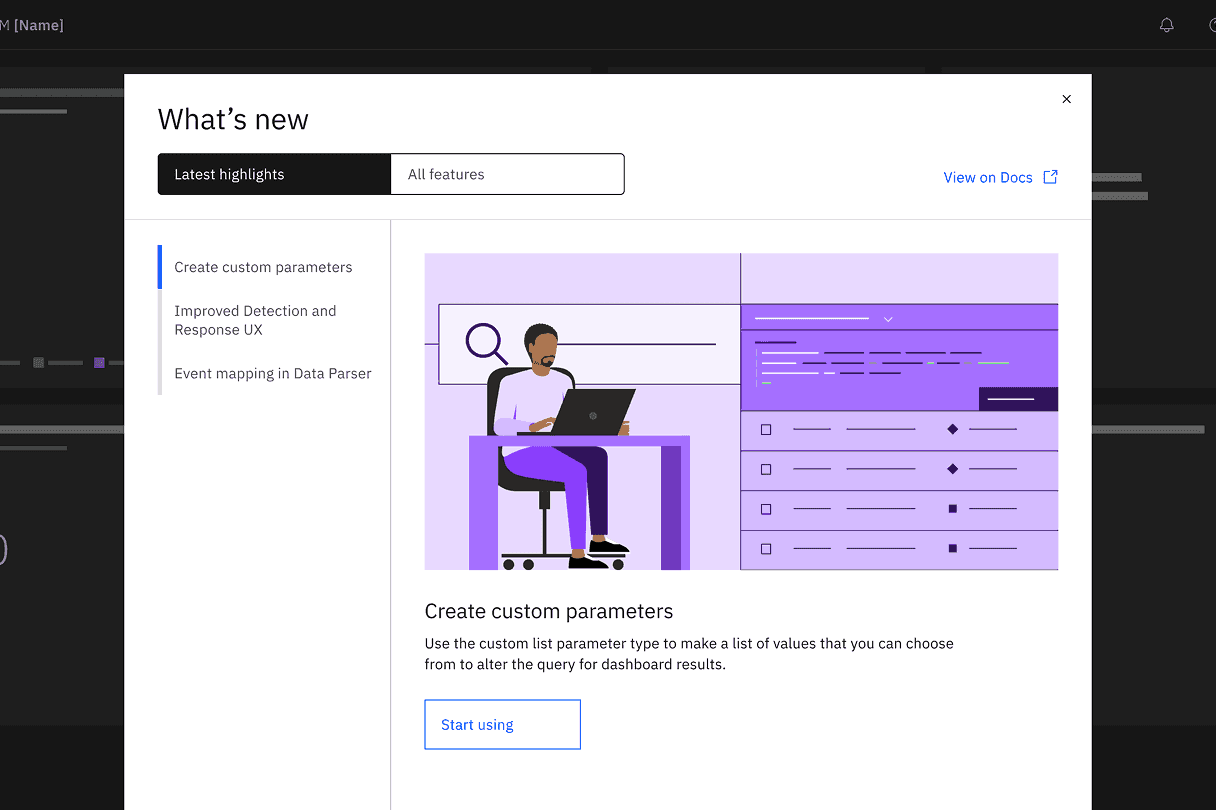
Add your contenTrigger the Center as soon as users return after a release. Showcase the most recent and impactful updates in Latest highlights, and all other updates in the All features section.t here
Focus on these three content elements
- Action-oriented messaging: highlight how the update improves the user experience and why it matters.
- Supporting visuals: show the feature or flow in action to help users recognize it in the product later.
- Call-to-actions: include direct access to the new capability to encourage users to try it out or learn more.
Use a clear verb‑plus‑noun structure for action buttons so the intent is unmistakable. For example, instead of “Explore,” try “Start using” or “Learn more.”d your content here
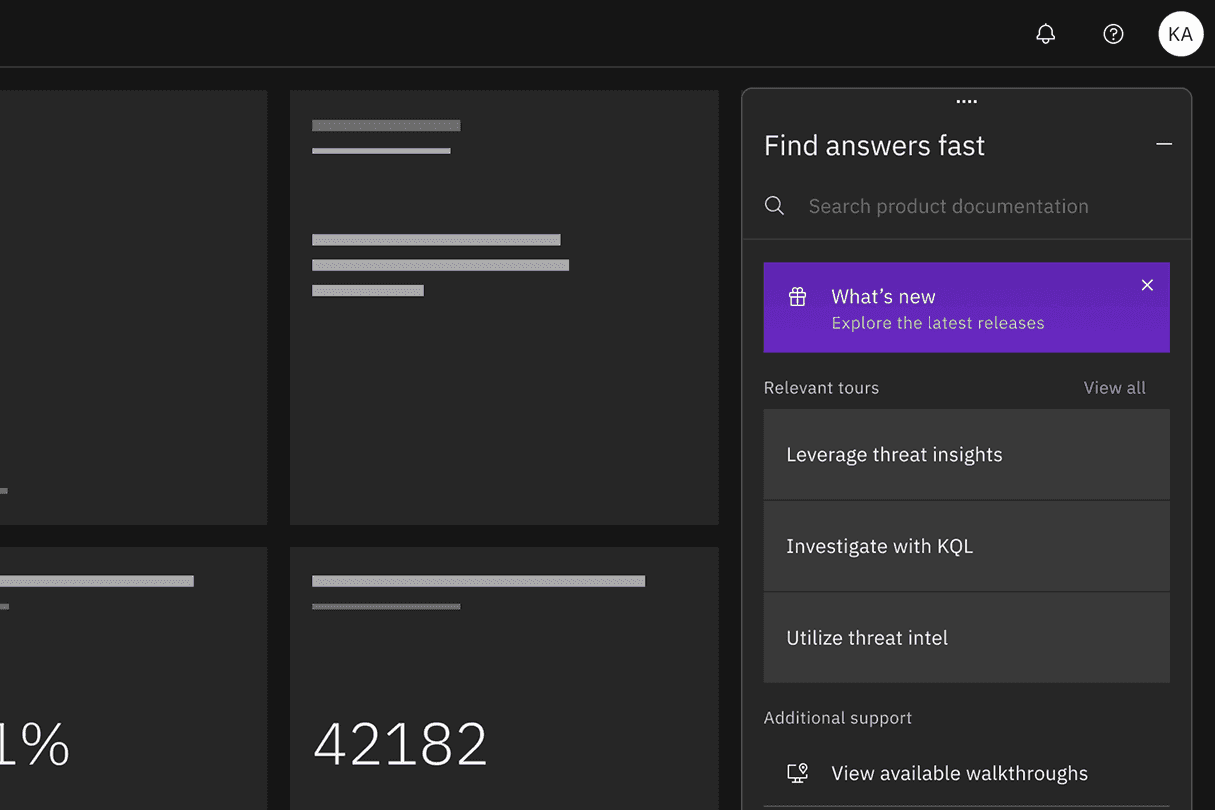
Give user access to the Center through a launcher in the product UI and let them browse past releases on their own time. Common locations include:
- Help menu
- Dedicated fixed launcher
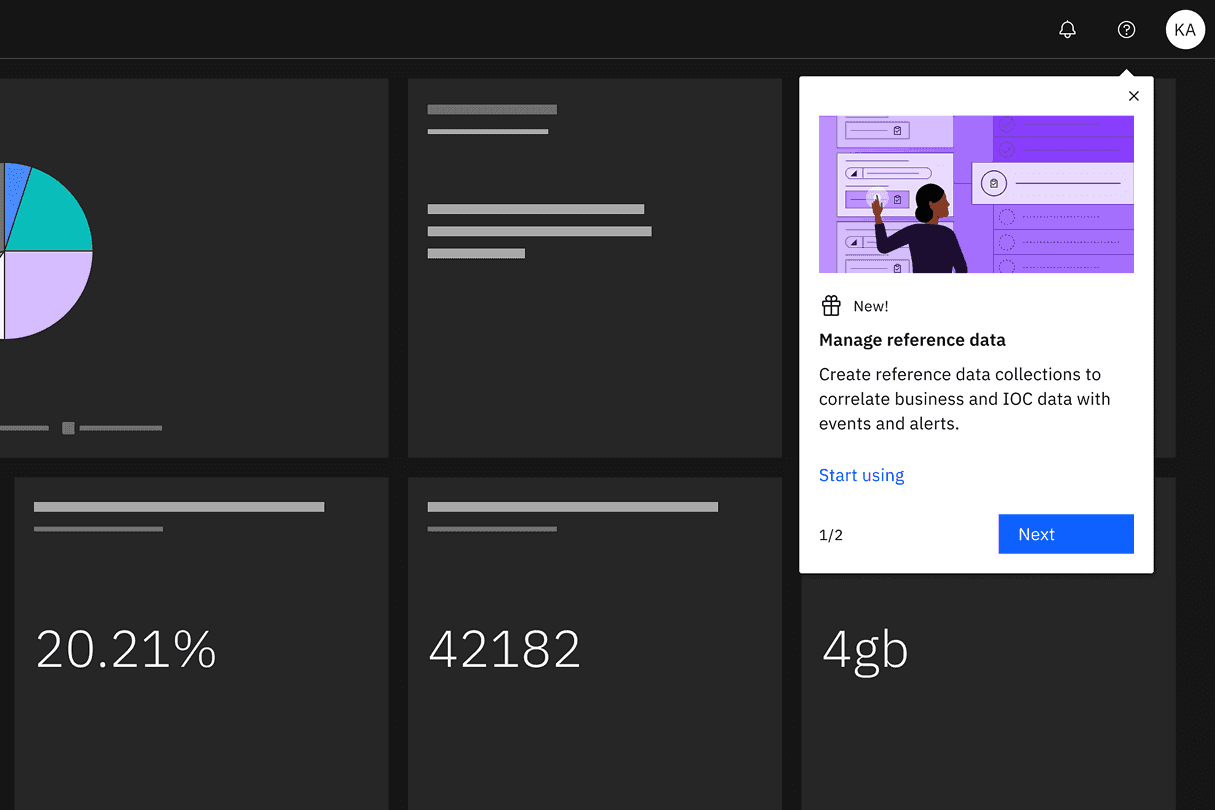
A Feature spotlight can highlight a single feature or a short sequence of two to three items, but it should not exceed five. Avoid showing the Center and a Spotlight on the same day, and once a user interacts with one, even if they dismiss it, don’t surface the same update again.
Takeaways
- Prioritize updates that meaningfully impact user workflows.
- Keep the messaging concise and value-focused.
- Use visuals to reinforce recognition.
- Avoid overwhelming users with too many updates at once.
- Provide clear next steps for every update.
- Ensure users can revisit updates at any time.
- Avoid repeating the same update once dismissed.