Design resources

Last updated Jul 1, 2026

Explore Carbon design resources including Figma libraries, templates, color palettes, GitHub repos, plugins, and tools to accelerate product design workflows.

Design resources

Introduction

This page includes Figma kits, tools, templates, and plugins that have been created to help you get up and running.

To use the Figma libraries you’ll find here, you need a Figma license. IBMers can follow instructions on the w3 Apps Software Licenses page to get a license.
Base libraries

The following Figma libraries are essential for getting started with the Carbon Design System, they are meant to be installed together.

Internal users

1. Sign into SSO

You should be added to the IBM Figma organization automatically once you sign in. You do not need to join or request to join any specific team to access the libraries.

2. Turn on the Carbon themes library

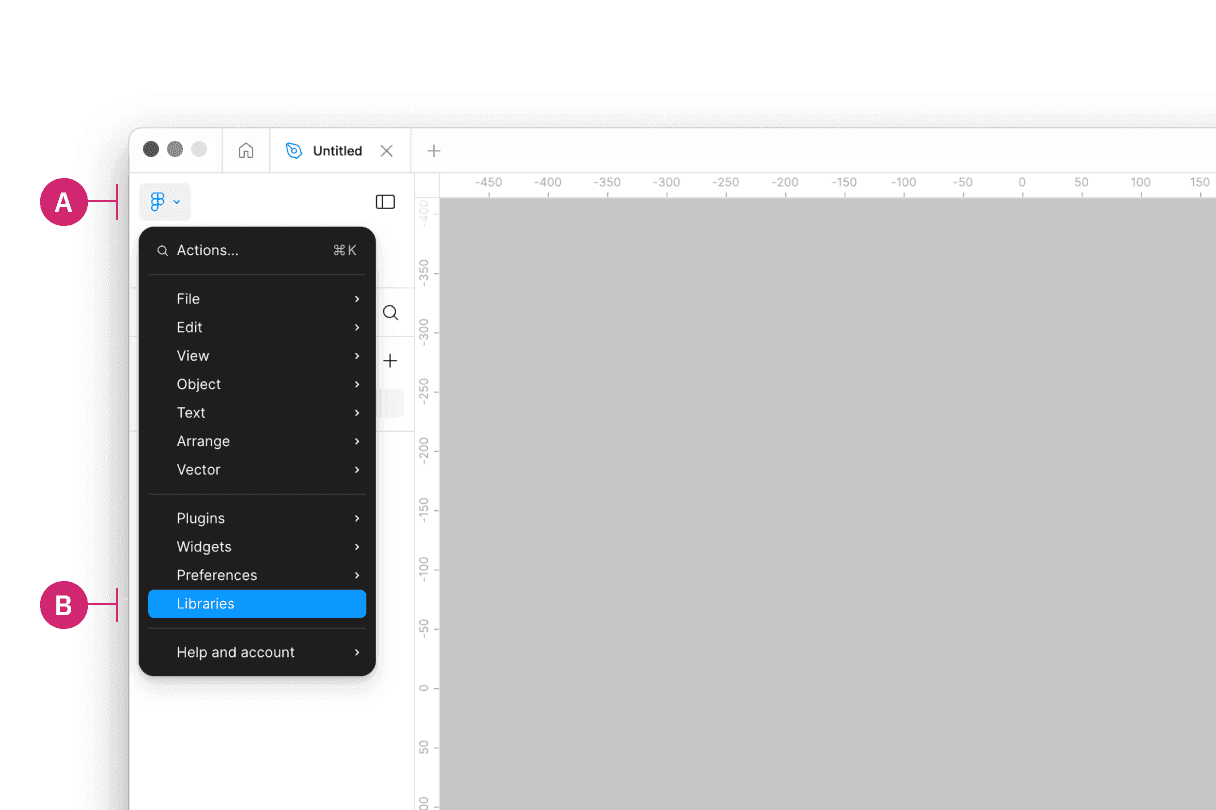
Within a Figma file, open the main menu and select Libraries

Then in the Libraries modal that appears, find the (v11) Carbon Design System library (C) and select the “Add to file” button to add the library.
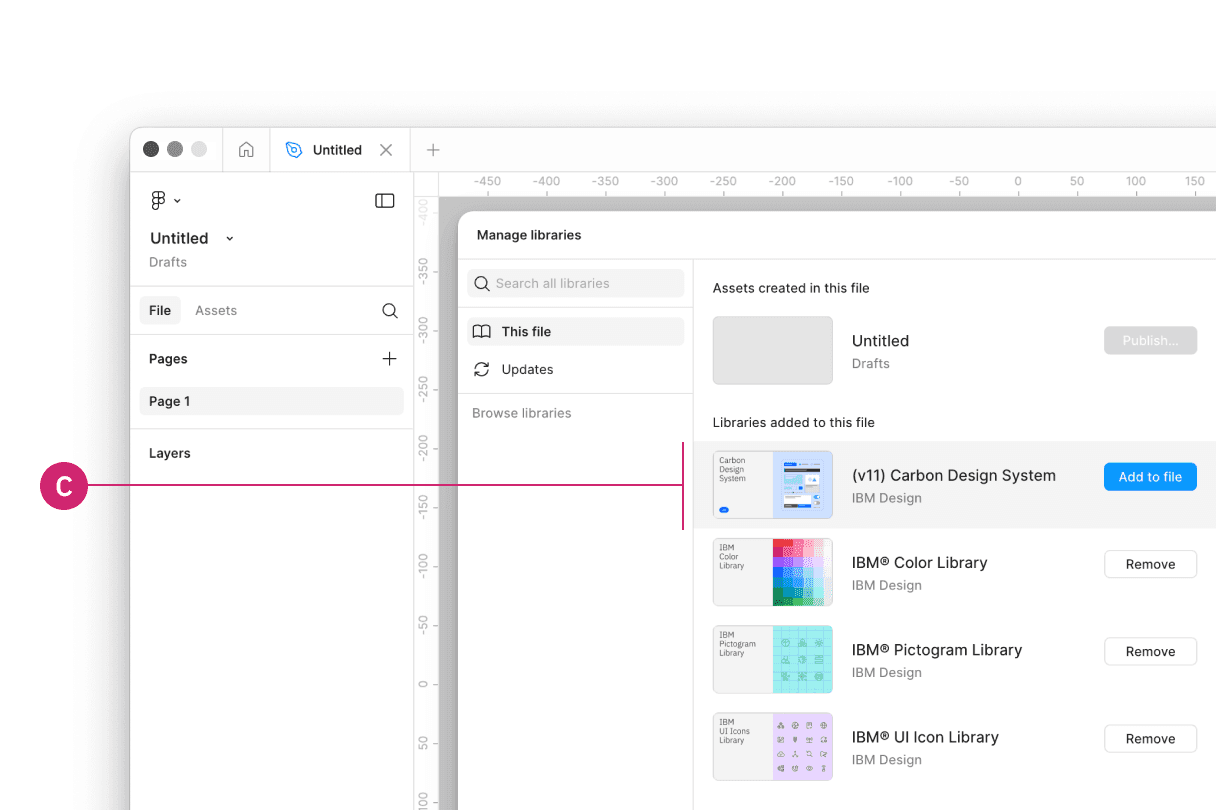
Within the library modal, find the desired library and click "Add to file"

3. Turn on the IBM Design Language libraries

External users

1. Sign into Figma

2. Turn on the Carbon themes library

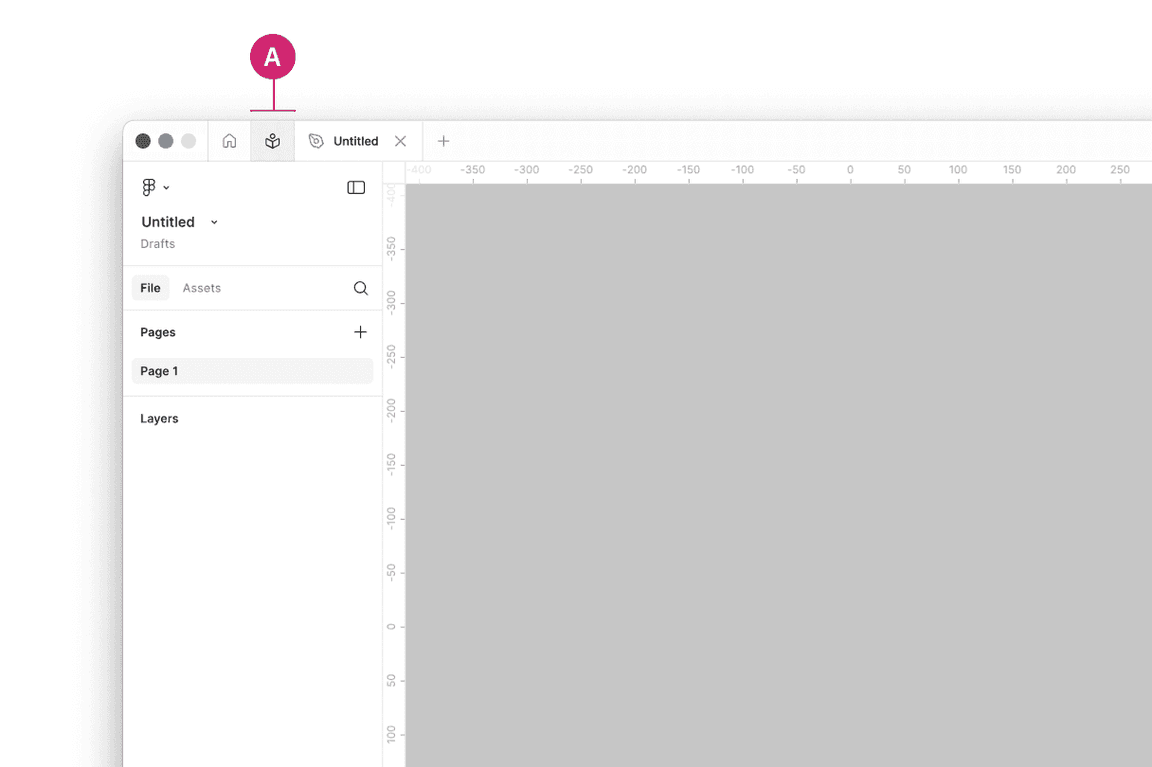
Navigate to the Community icon in the header (A).

Community section in Figma

Search for Carbon Design System (B).
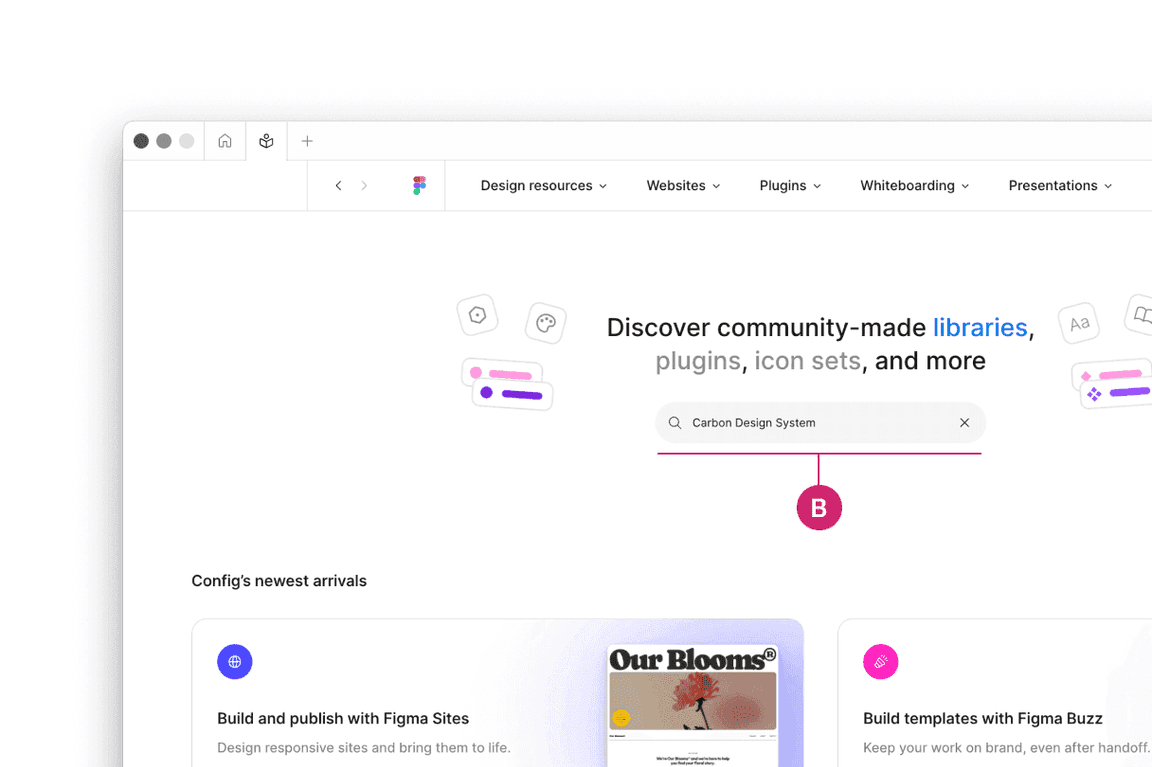
Search in the Community section of Figma

See the (v11) Carbon Design System library file.
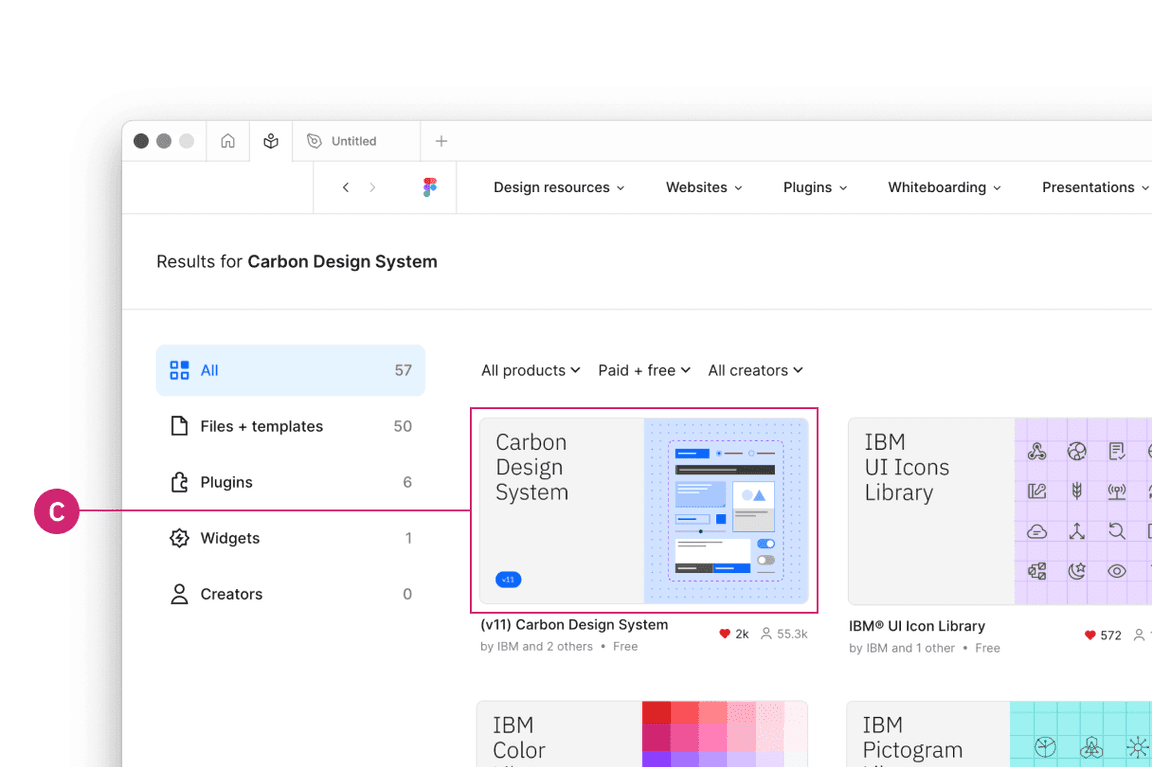
Select the Carbon Design System library

3. Duplicate the file of your choice to your workspace

4. Publish as a library to your workspace

To preview the (v11) Carbon Design System library, visit the following view-only link.

Bring in additional colors and icons

Use these additional IBM Design Language libraries to have access to type sets, color, icons, and pictograms.

Supporting libraries

The following libraries are extensions of the Carbon Design System, they are intended to be used in addition to the base libraries.

Some of this content is accessible to IBMers only.

Data visualization

The Carbon Charts Library Kit includes basic and complex chart assets, along with usage guidance, theming guidance, palettes, and sample layouts.

Native mobile

The native mobile kit includes everything you need to get your iOS or Android project underway.

Accessibility

The IBM Accessibility Design Kit includes checklists, bite-sized guidance, and handoff assets to make sure your designs are accessible for implementation.

Prototyping tools

Carbon Mid-Fidelity Kit

This kit provides designers with a way to visualize concepts and test them out before committing to high-fidelity designs.

Carbon UI Builder

Carbon UI Builder is a visual tool that allows users to assemble product pages and layout modules using Carbon Components in a fraction of the time it usually takes.

Pages can be exported as:

  • Images for presentations
  • Live demo apps for user testing
  • Production-quality code that can be easily incorporated in an existing product’s frontend

Carbon Figma and AI tools

Carbon Figma Tools is a suite of plugins built to supercharge IBM product teams by bridging the gap between design and development. Powered by the Carbon Design System and infused with AI, these tools help you deliver production-ready code faster, with greater accuracy and consistency.


Figma Code Connect

Bridge the gap between design and development. Generate accurate Carbon React code directly from Figma’s Dev Mode—no guesswork, just clean, component-based output.

Carbon v11 Coverage Plugin

Scan your Figma files for non-Carbon v11 components, colors, and typography. Ensure design fidelity and reduce hallucinations in code generation.

IBM Carbon Design to Code

Turn designs into React starter code in two clicks. AI-optimized for structure, readability, accessibility, and testability—with a composite quality score and time-saved estimate.

Additional tools

RGB color palettes

The full IBM color palette in .ase and .clr for Adobe Creative Cloud products.

Accessibility

Tools to help designers adhere to IBM Accessibility standards.

GitHub repos

Found an issue with the design kit? Open an issue in our repository.