This phase of onboarding focuses on reducing friction and streamlining resolution times. When users encounter obstacles, they need fast, intuitive ways to get back on track. Help resources minimize disruptions, build confidence, and reinforce trust in the product. Whether users are exploring new features or resolving issues, effective support ensures they can continue progressing without delay.
Accessing help resources is an essential part of a learning framework. It enables users to troubleshoot issues and find quick answers before seeking additional support. These resources should be available at the moment of need, offering clarity without interrupting the user’s flow.
Help destinations like Assist Me serve as centralized, searchable hubs for learning content. They provide a permanent home for resources encountered during continuous onboarding, making it easy for users to revisit guidance as needed. These learning moments and guided experiences offer contextual solutions tailored to the user’s current needs, while ensuring clear, step-by-step pathways toward resolution.
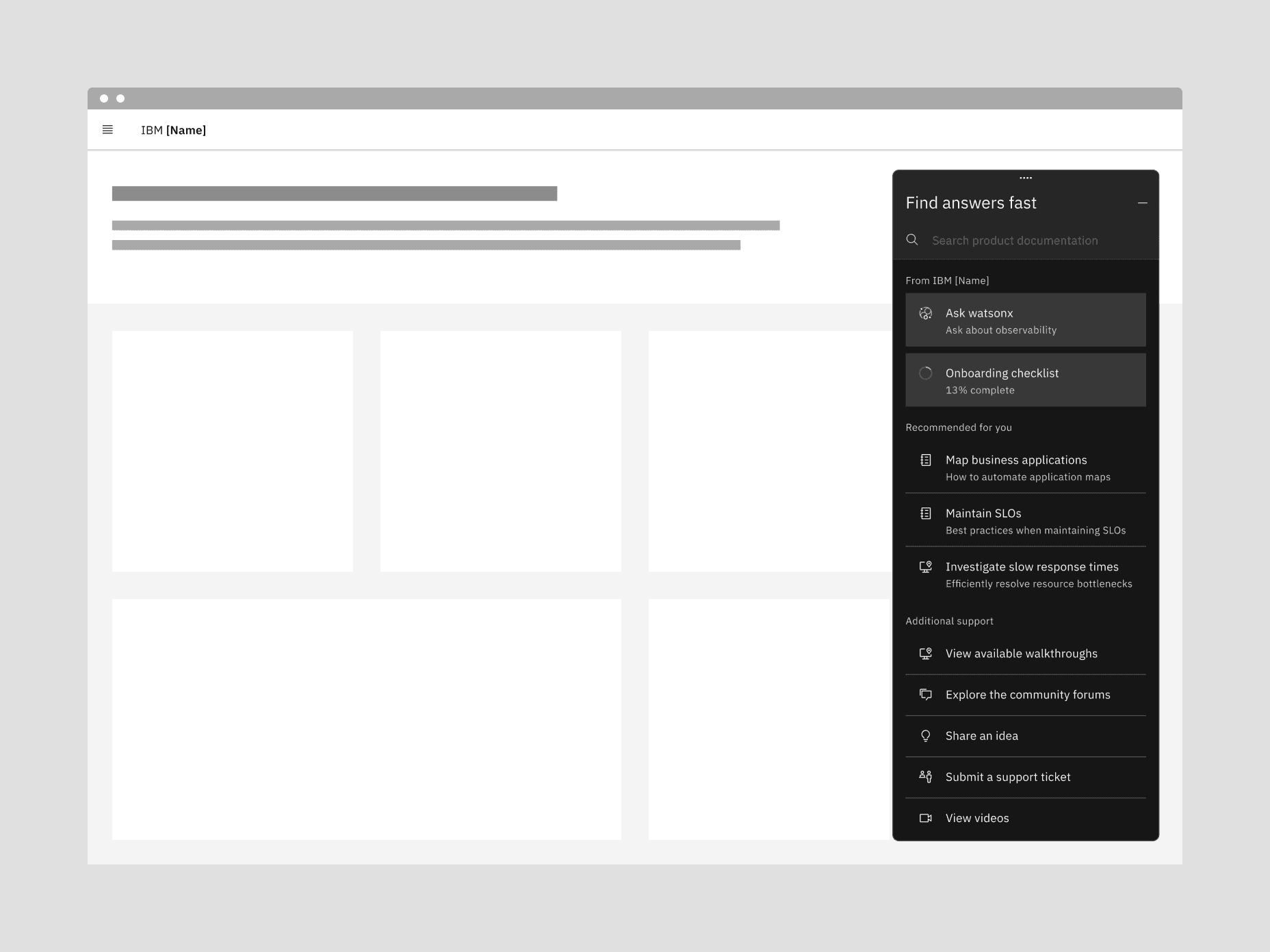
To design effective help experiences:
- Offer just-in-case assistance that’s easy to access but never intrusive
- Use contextual triggers to surface relevant guidance at the right time
- Ensure help content is structured, searchable, and continuously updated
- Provide both self-service options and pathways to expert support
- Help resources reduce friction and accelerate resolution, keeping users focused and productive
- Just-in-case assistance and on-demand learning support users without disrupting their workflow
- Centralized help hubs like Assist Me provide lasting access to onboarding content
- Structured, contextual support builds user confidence and reinforces product value