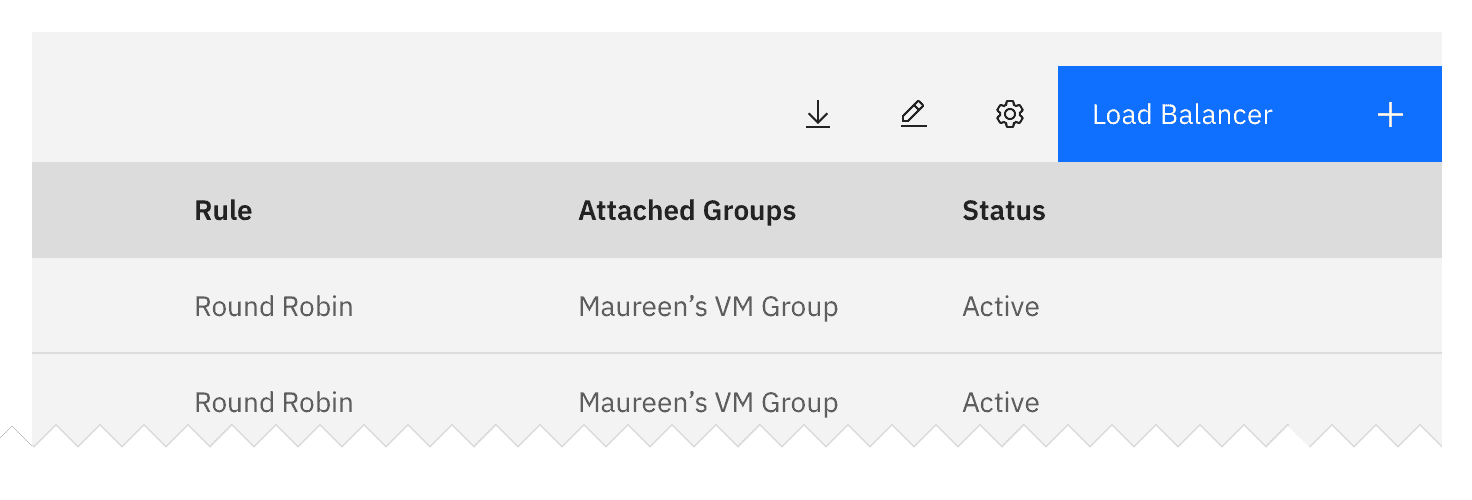
- What are the implications of the add action for the user? Are there financial, access, or legal considerations?
- Does the user have the correct permissions for this action?
- Is the action permanent?
- What timeframe will the action take (seconds, minutes, hours, days)?
- What should a user do if the action fails?
- Is this a single or bulk action?
Clear
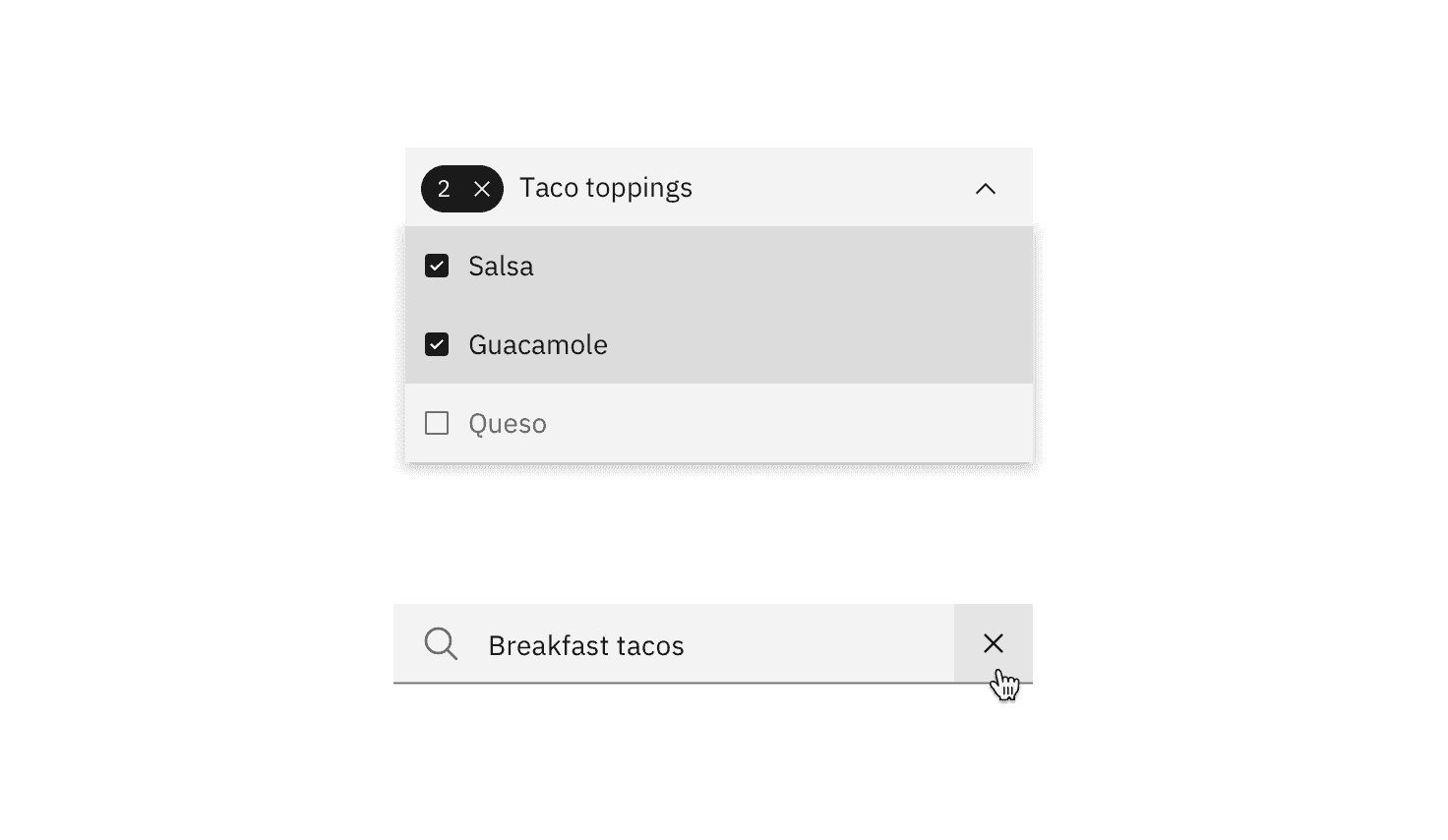
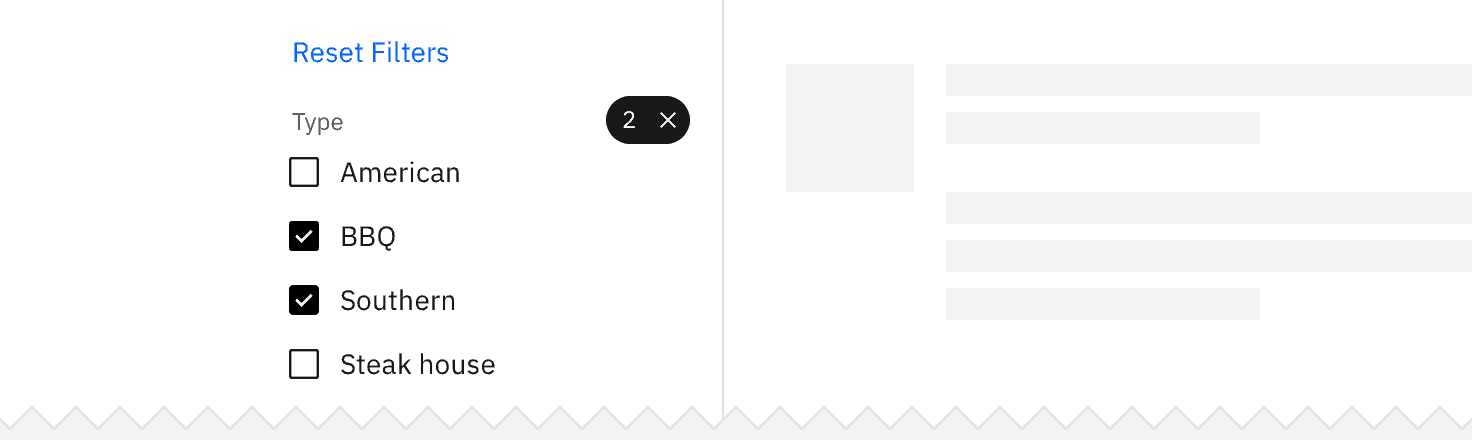
Clear removes data from a field or removes selections. Clear can also delete the contents of a document, such as a log. For controls that have a default selection or value, such as radio buttons, the default selection or value is reset.
Use the close icon on the right side of a field, item, or value.
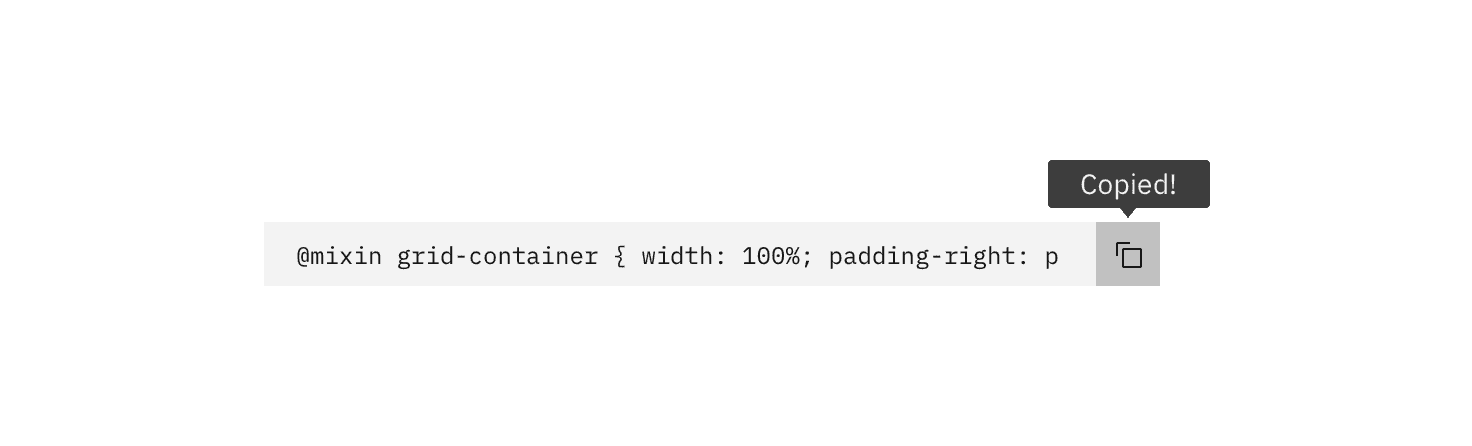
Delete
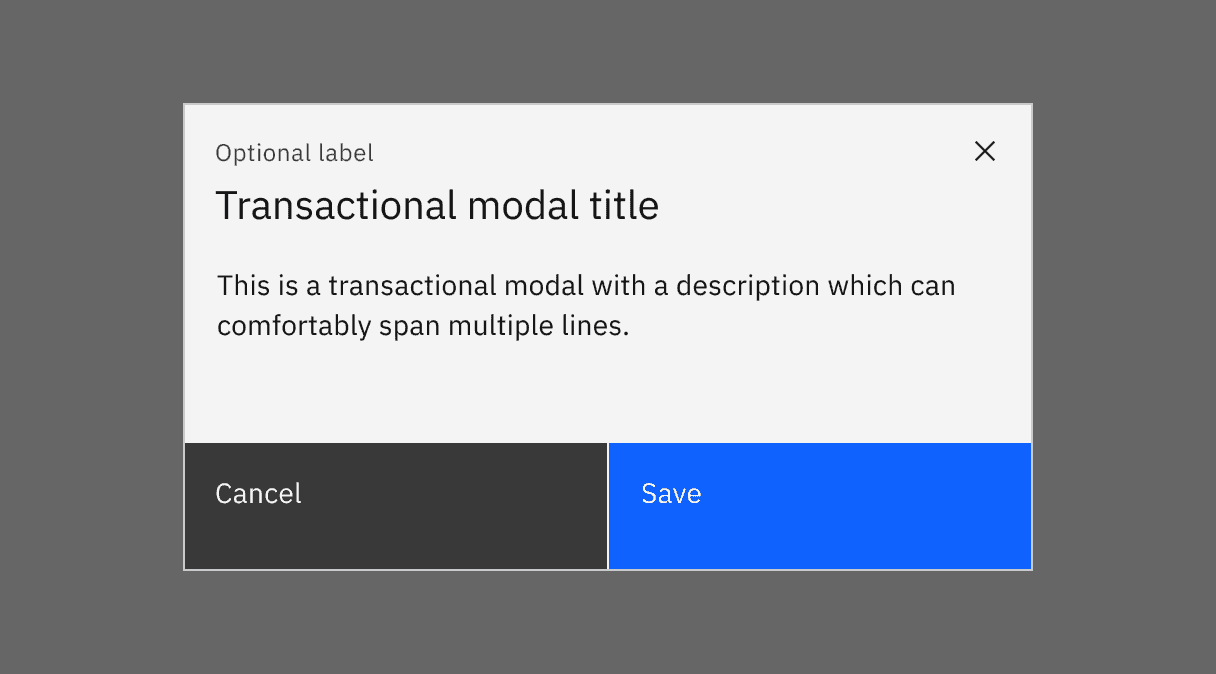
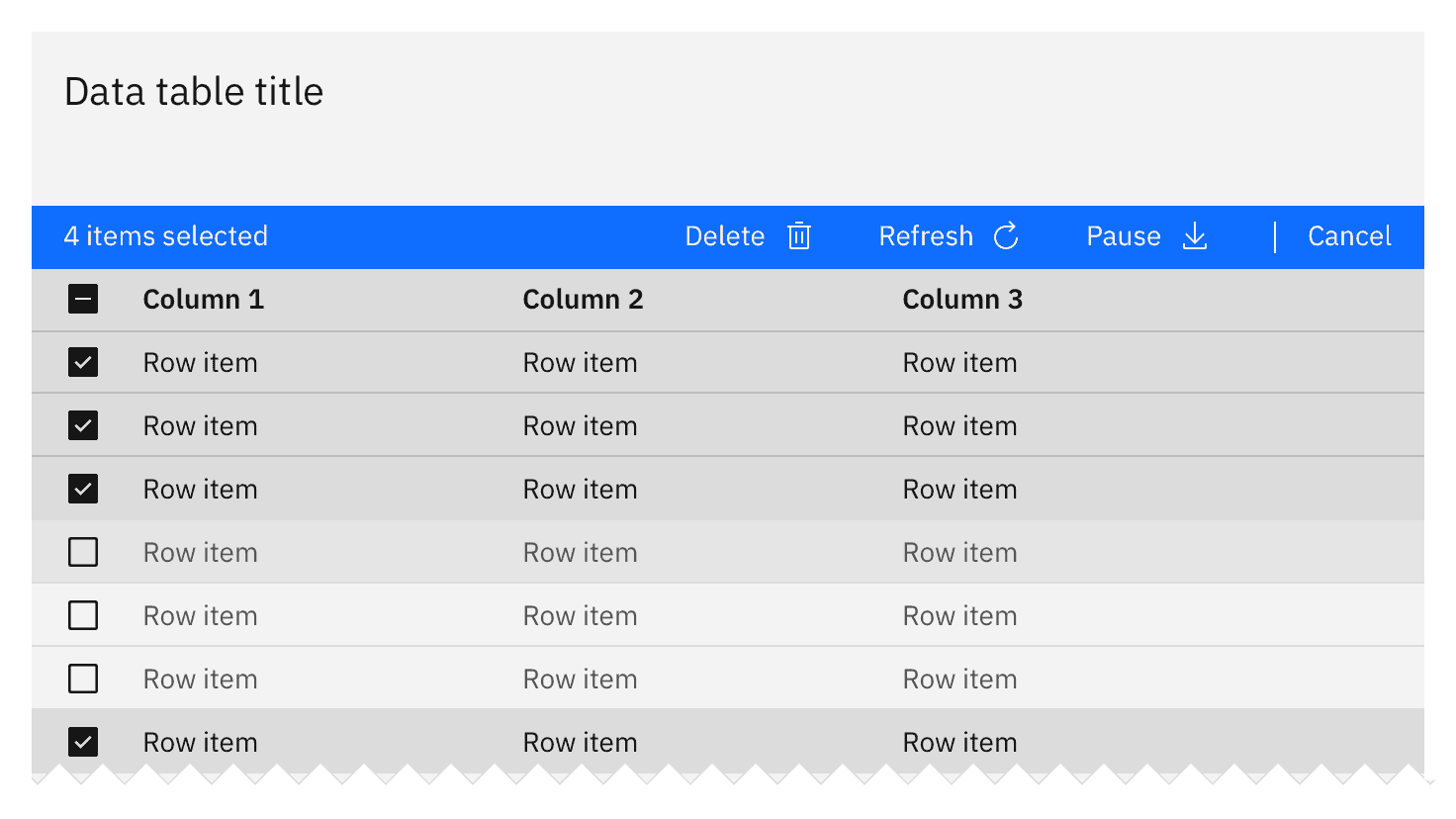
Delete destroys an object. Delete actions cannot be easily undone and are typically permanent. Warn the user of any negative consequences if an object is destroyed, such as loss of data. Use either the delete or trash can icon, a danger button, or a danger option in a menu. A danger modal is used when a warning is needed to confirm an action.
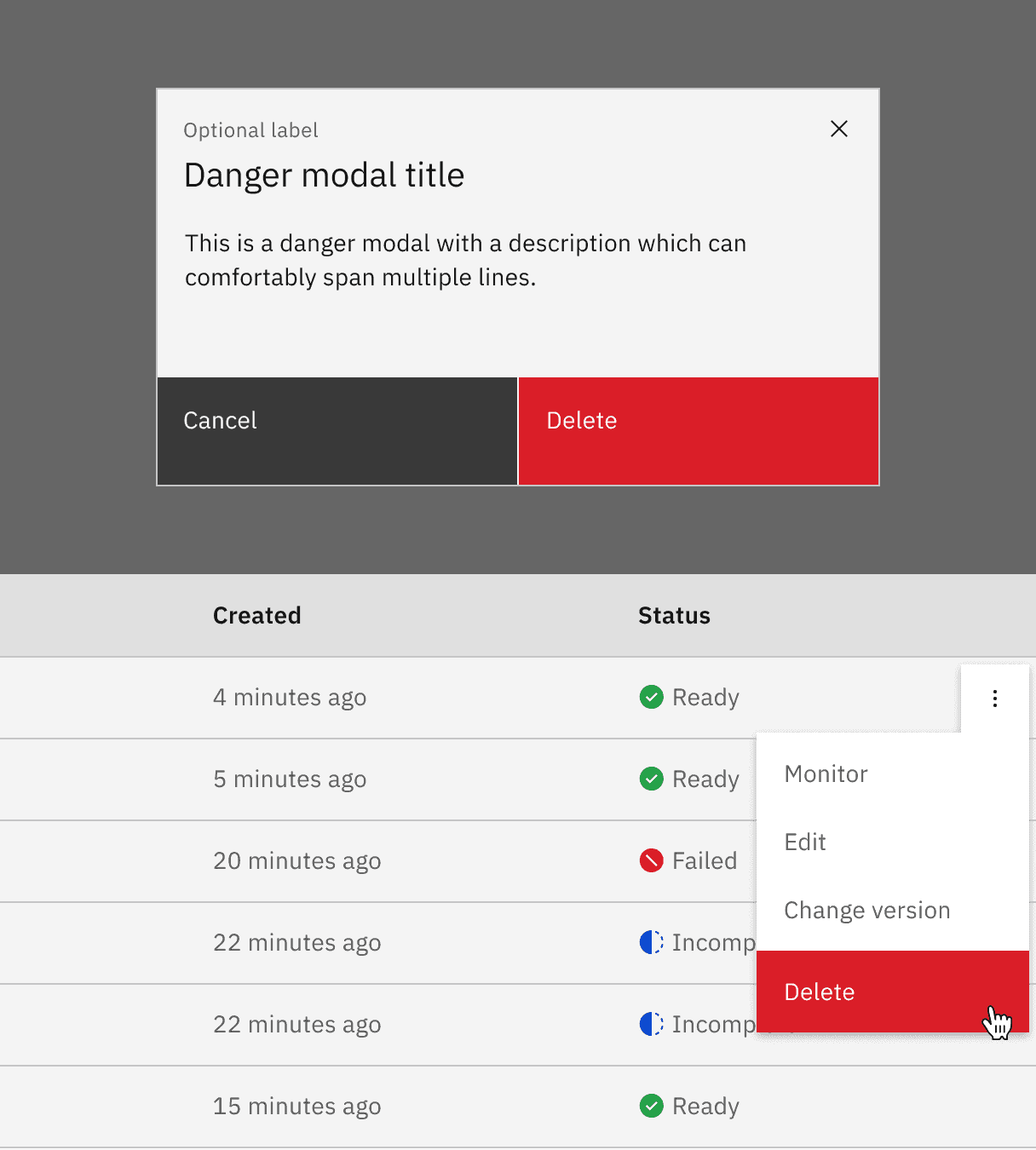
High-impact deletion
Use when it would be very expensive or time-consuming to recreate data. Also use if the action deletes a large amount of data, or if other important items would be deleted as a result of the action.
In addition to presenting a dialog, have the user type the name of the resource they are deleting (manual confirmation).
Post-deletion
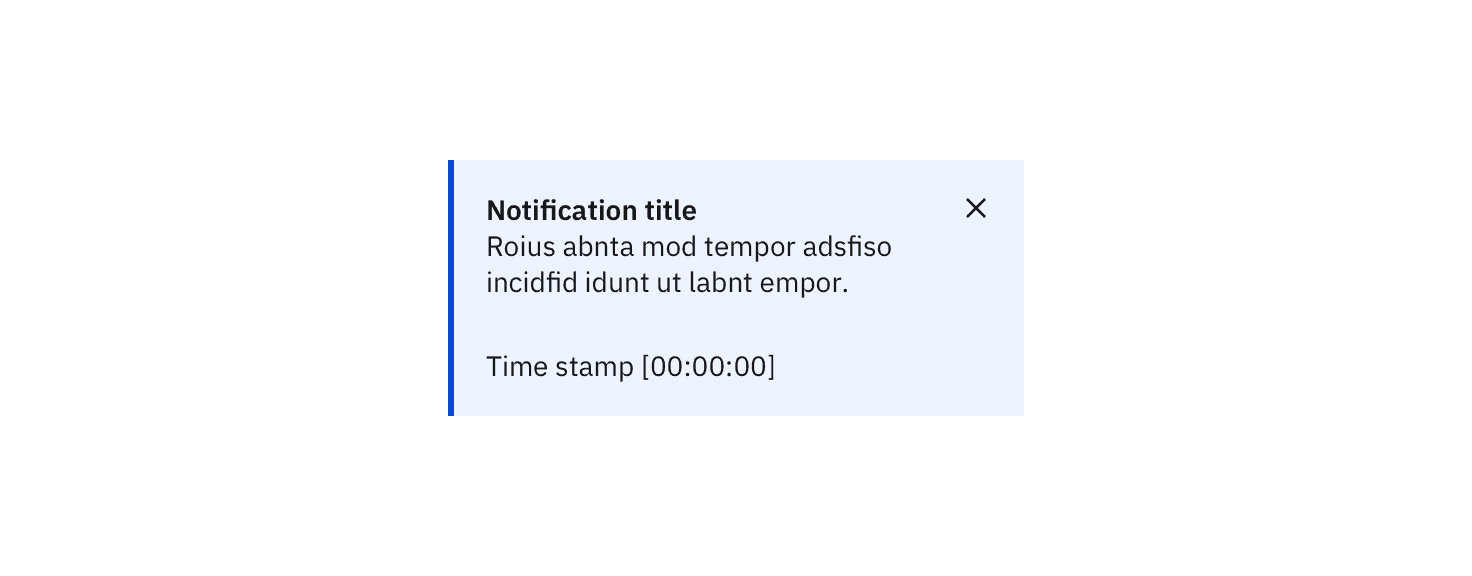
After the user deletes data, return to the page that lists the data deleted. Animate the removal of the data from the list or page and present a success notification.
If the deletion fails, raise a notification to tell the user that deletion failed. Send a second notification on another communication channel, like email, if possible. Animate the data back onto the page if possible.
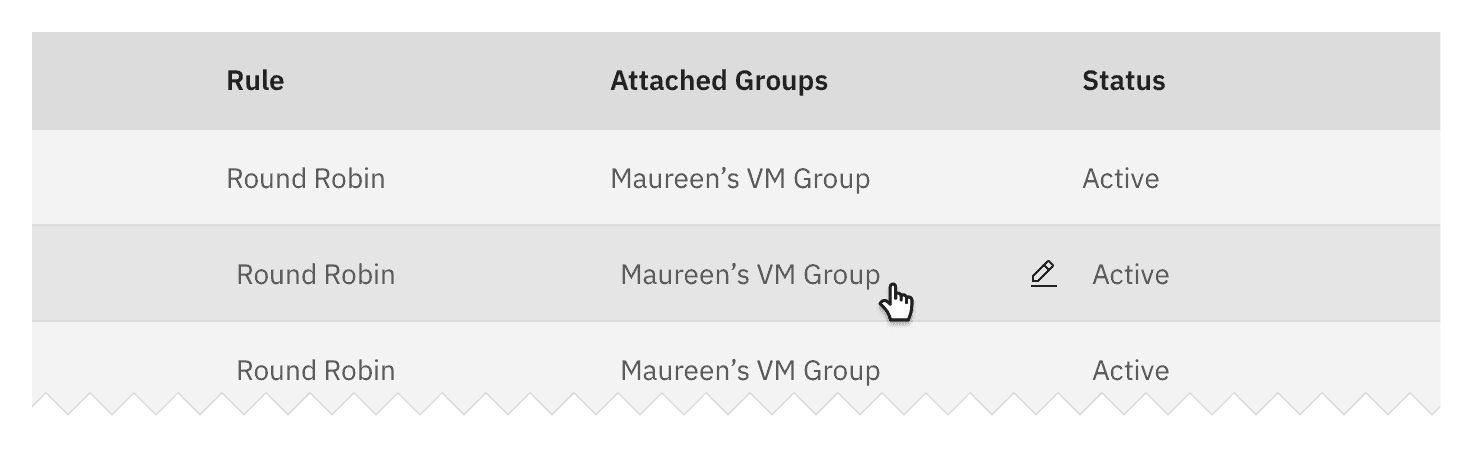
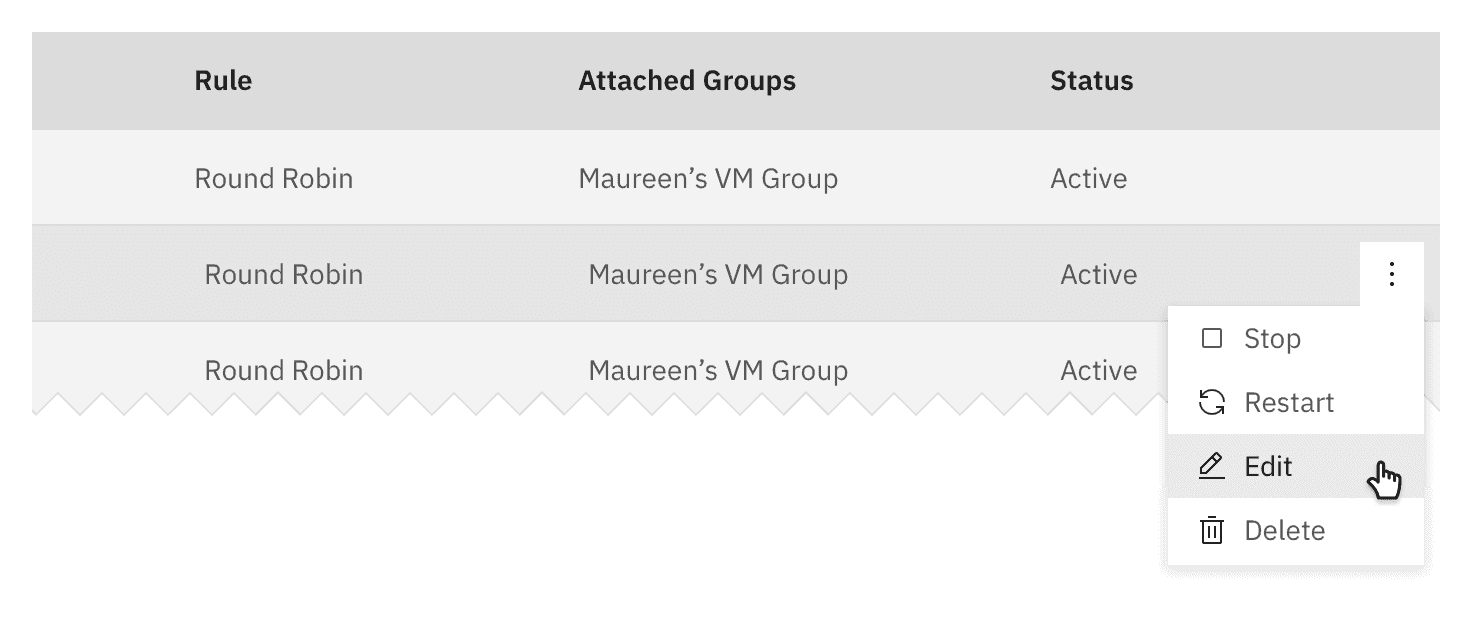
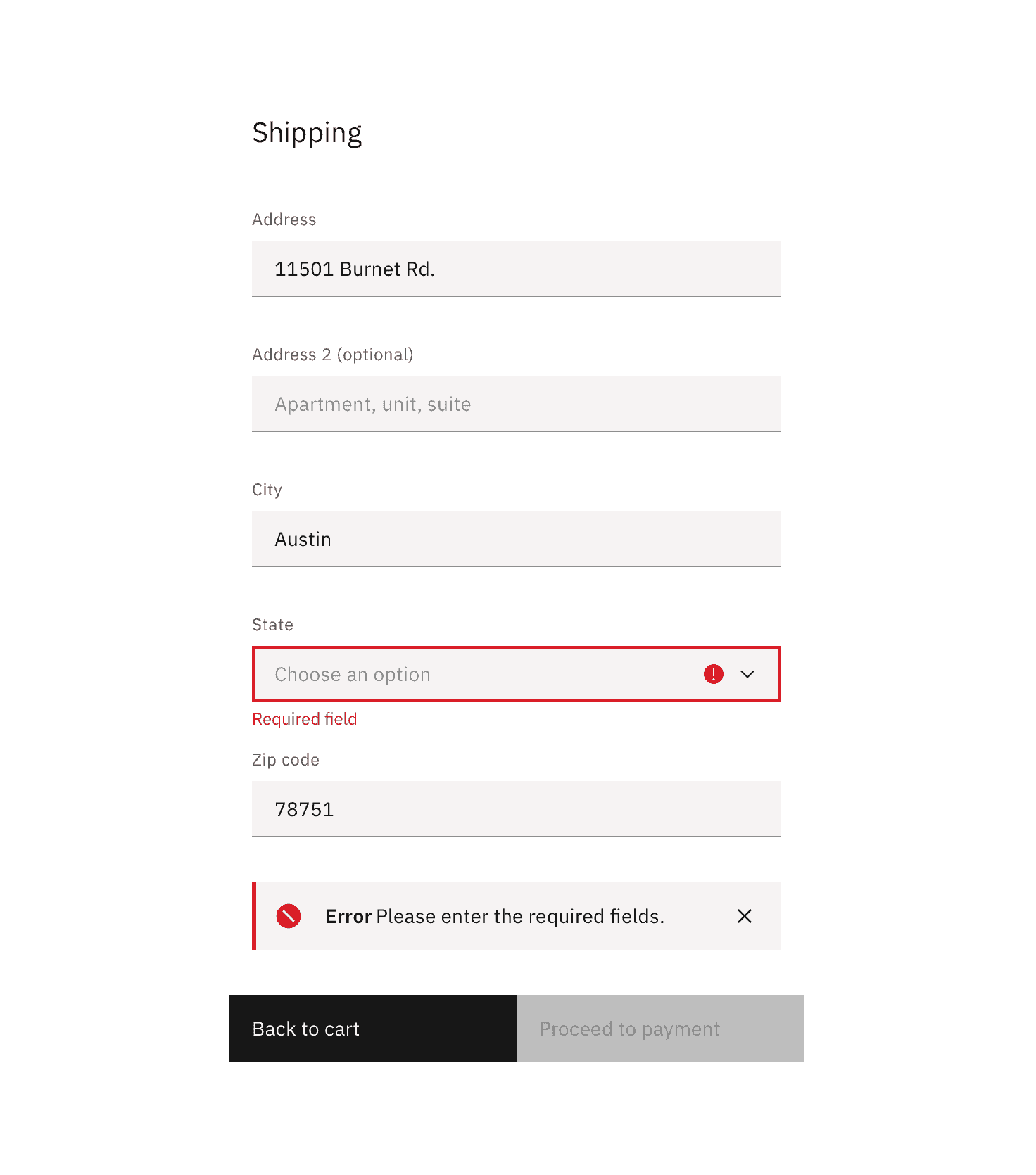
Consider redirecting the user to a previous state, a support page, or offering recommendations. Be honest and helpful.
Some components, like text input and form field errors, are quite small and require more thoughtful approaches to the space and placement of error handling. Consider inline error notifications for these instances.
Next
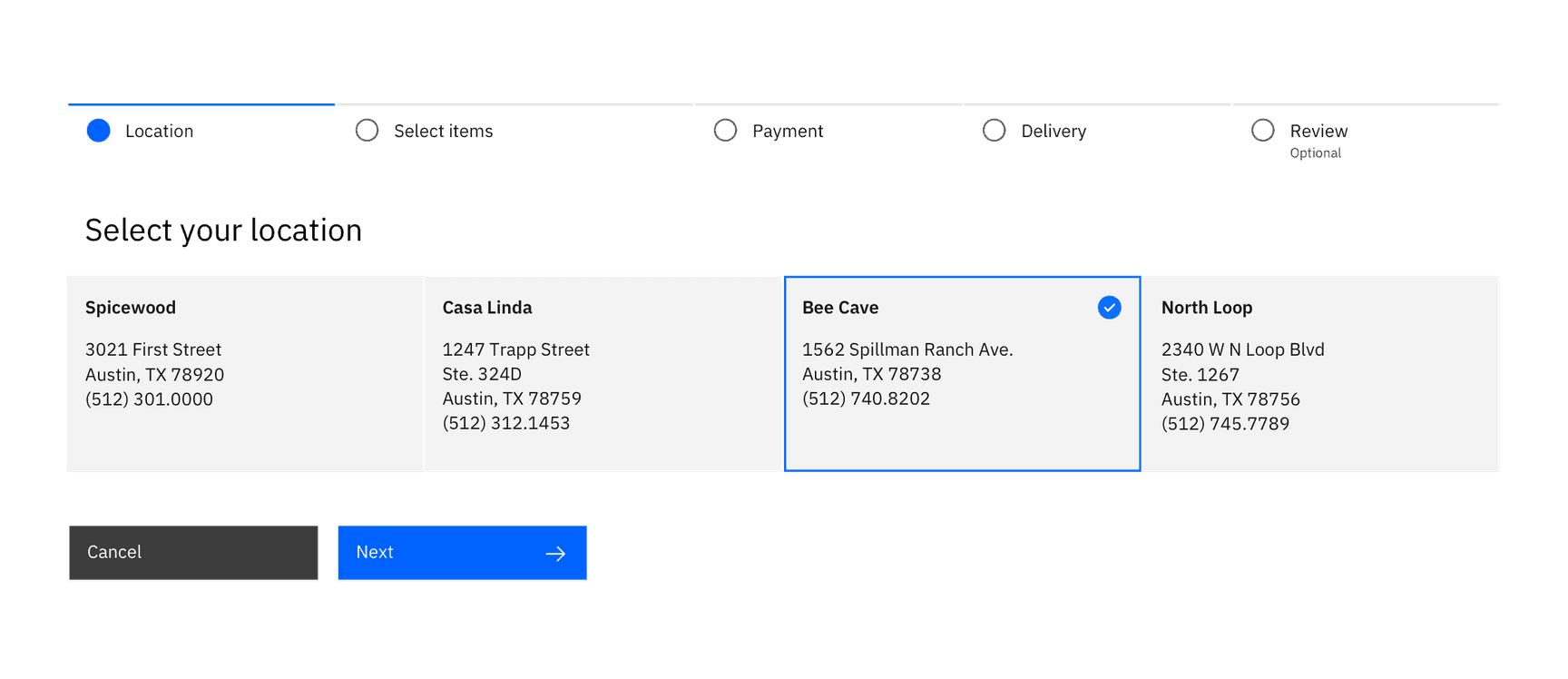
Next advances the user to the next step in a sequence of steps, like in a wizard.
Represent next with a button with icon or a standalone forward icon.
Considerations
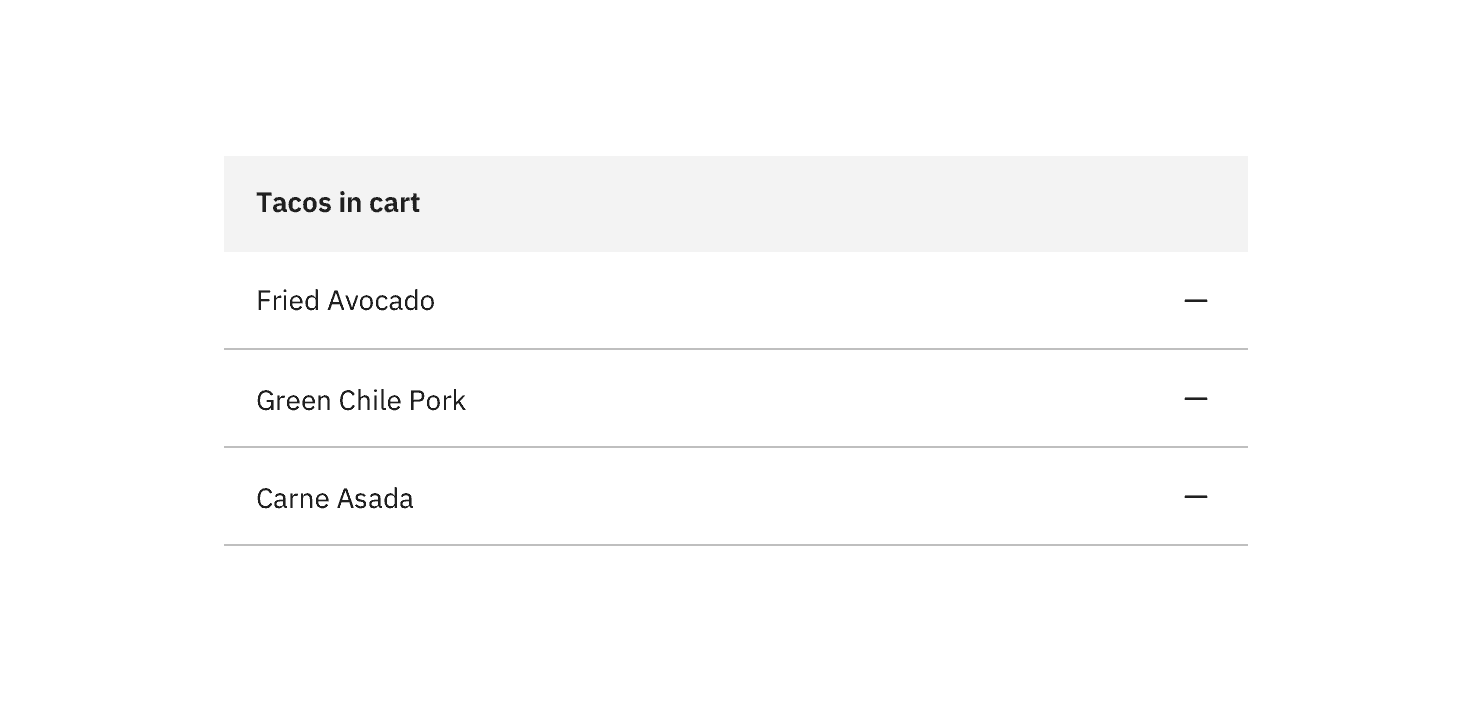
- What are the implications of the remove action for the user? Are there financial, access, or legal considerations?
- This action can be confused with deleting.
- A user may not have the correct permissions for this action.
- Inform the user if the result is permanent.
- How long will the action take? Seconds, minutes, hours, or days?
- What should the user do if the removal fails?
- Is this a single or bulk action?
Feedback
Help us improve this pattern by providing feedback, asking questions, and leaving any other comments on GitHub.