Color
A progress indicator step may be complete, current, or not started. The following table describes the color tokens used for each of these states.
Element | Property | Color token |
|---|---|---|
Complete icon | fill |
|
Current icon | fill |
|
Not started icon | fill |
|
Active step line | background-color |
|
Inactive step line | background-color |
|
Label | text color |
|
Helper text | text color |
|
* Denotes a contextual color token that will change values based on the layer it is placed on.
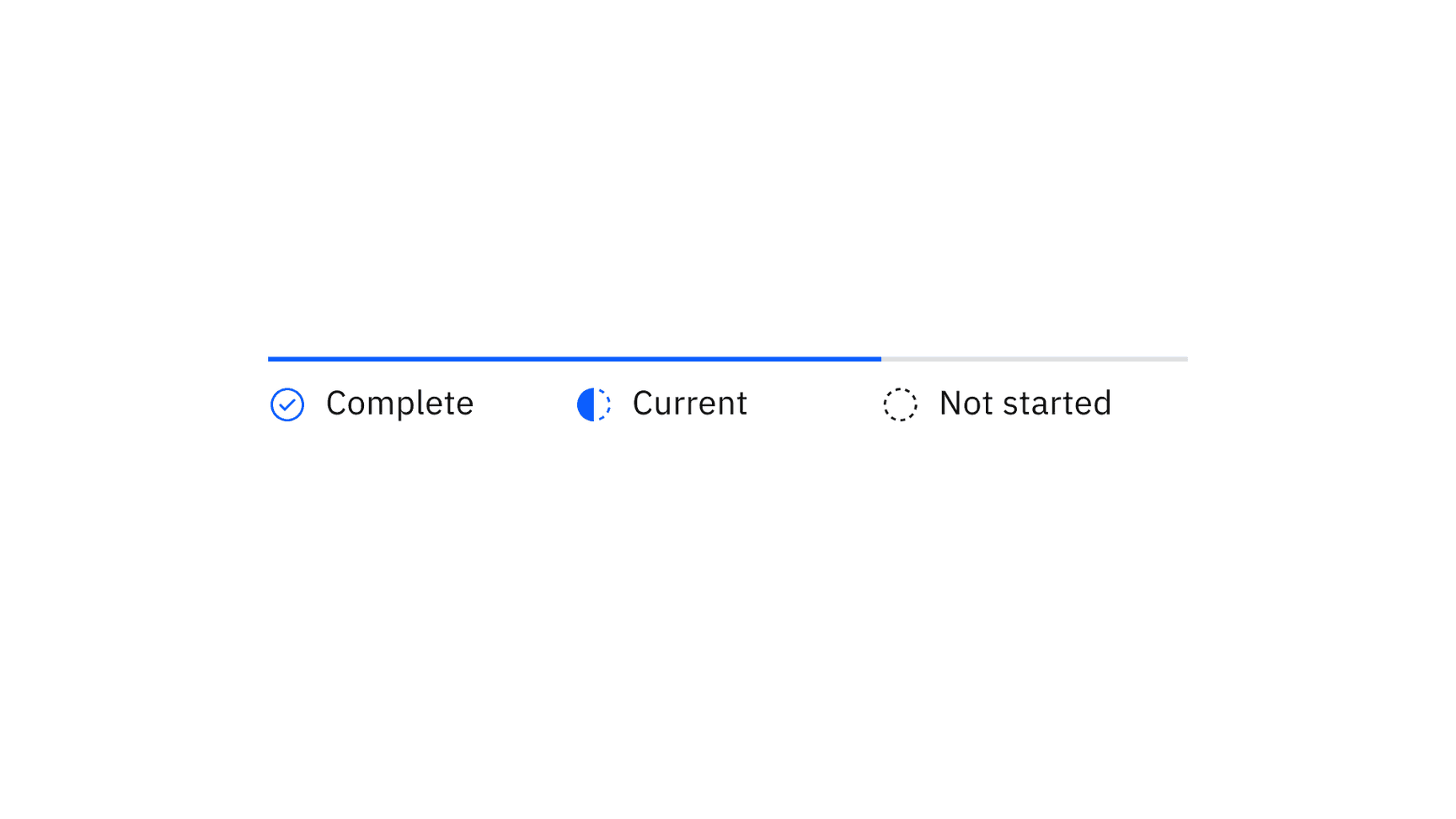
Examples of completed, current, and future steps for progress indicator
Element | Property | Color token |
|---|---|---|
Step: focus | border |
|
Label: hover | text color |
|
Icon: error | fill |
|
Icon: disabled | fill |
|
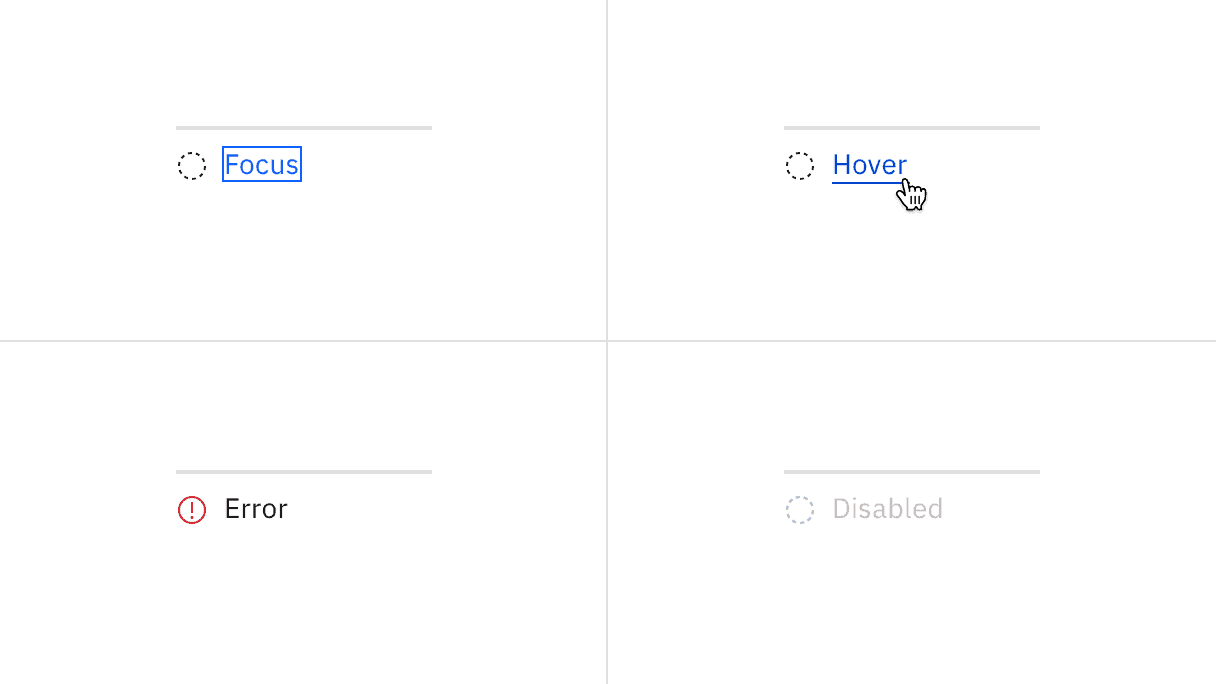
Examples of focus, hover, error, and disabled states for progress indicator
Structure
All icons can be found in the icons library.
Element | Property | px / rem | Spacing token |
|---|---|---|---|
Step | min-width | 128 / 8 | – |
Icon | height, width | 16 / 1 | – |
margin-top, margin-right | 16 / 1 |
| |
Label | margin-top | 16 / 1 |
|
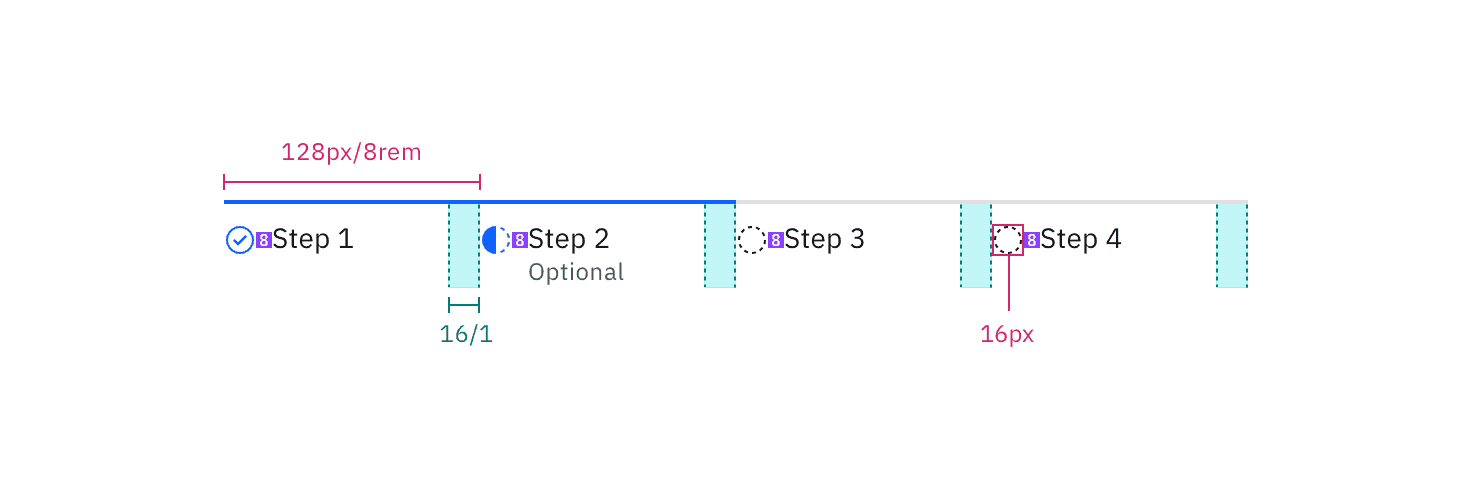
Structure and spacing measurements for progress indicator | px / rem
Feedback
Help us improve by providing feedback, asking questions, requesting features, or leaving any other comments on GitHub.