This live demo contains only a preview of functionality and styles available for this component. View the full demo on Storybook for additional information such as its version, controls, and API documentation.
Overview
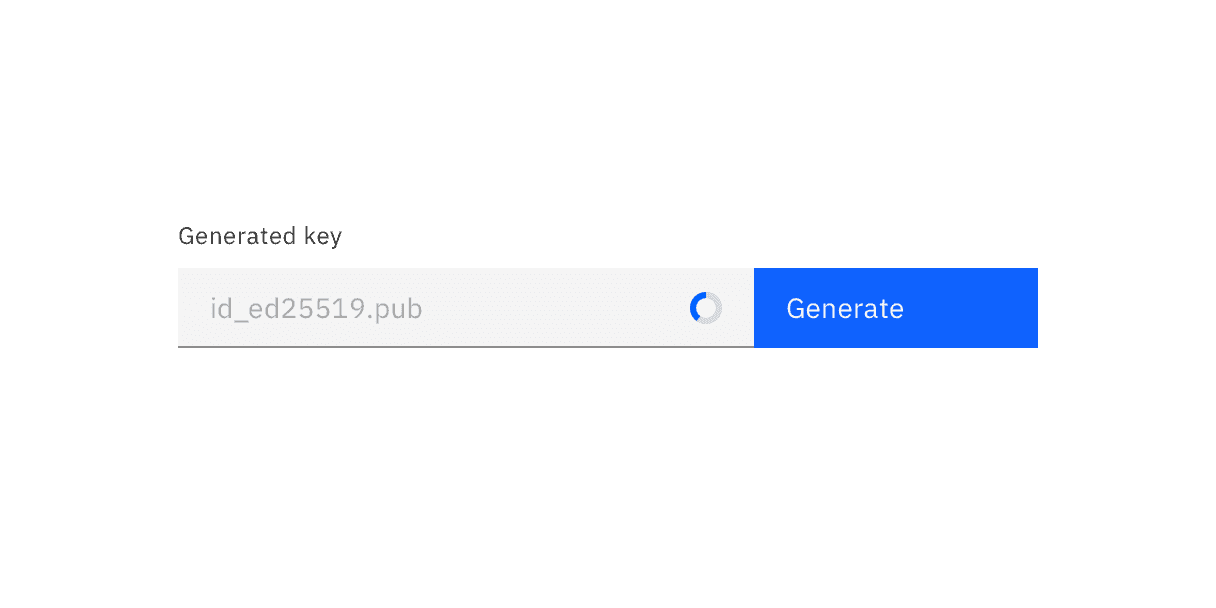
Inline loading spinners are used to indicate that an action is being processed. They inform users that their request is in progress, providing reassurance even though they do not reveal specific details about the back-end process.
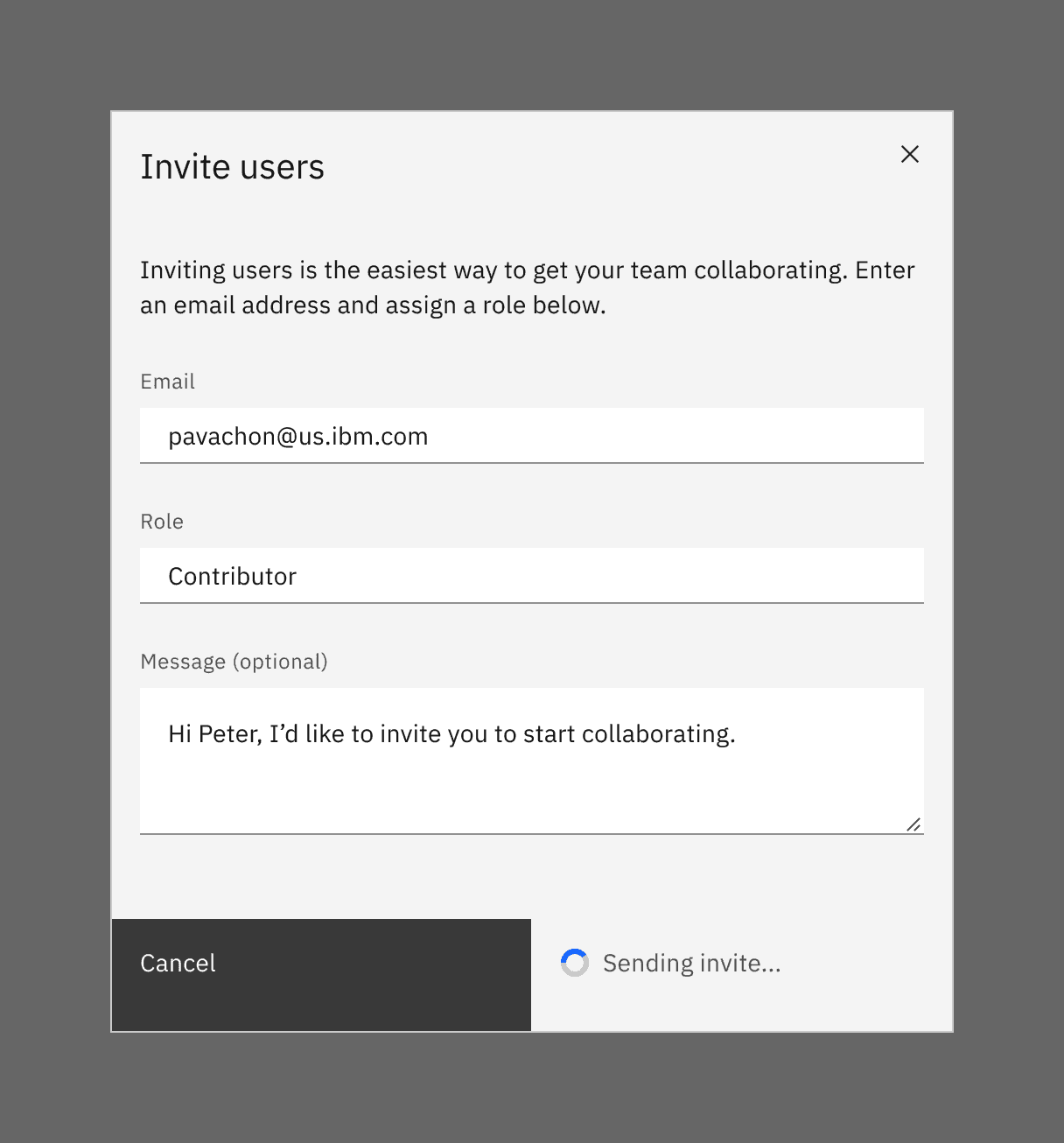
Common actions where inline loading is beneficial include create, update, or delete operations that involve significant data processing. Inline loading can appear in various contexts, such as within a table, after clicking a primary or secondary button, or inside a modal.
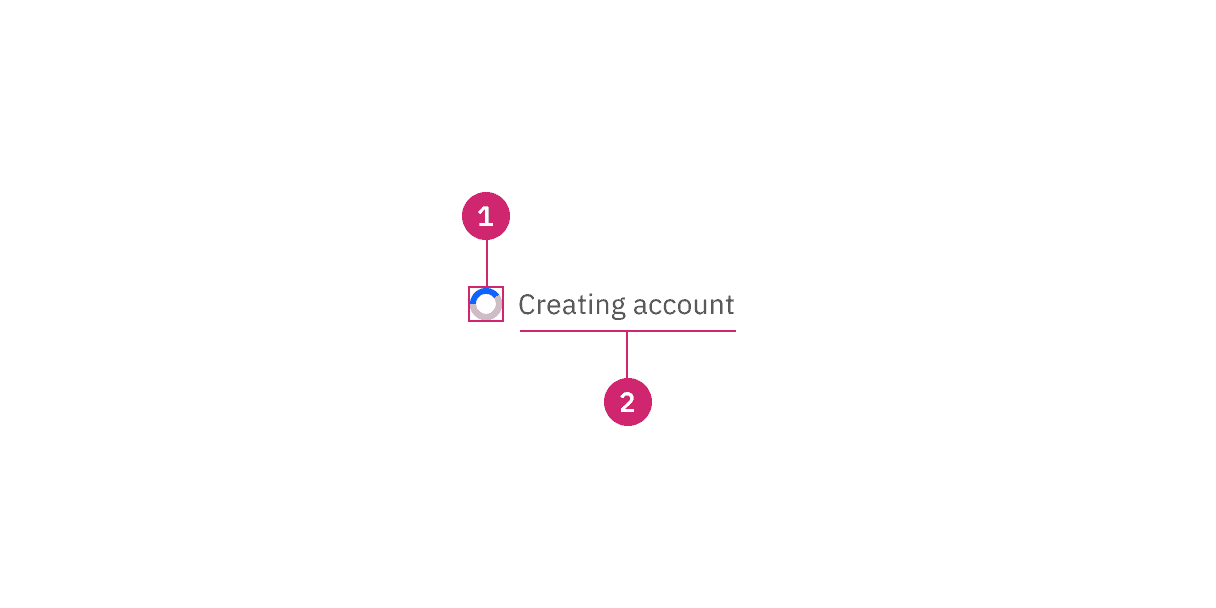
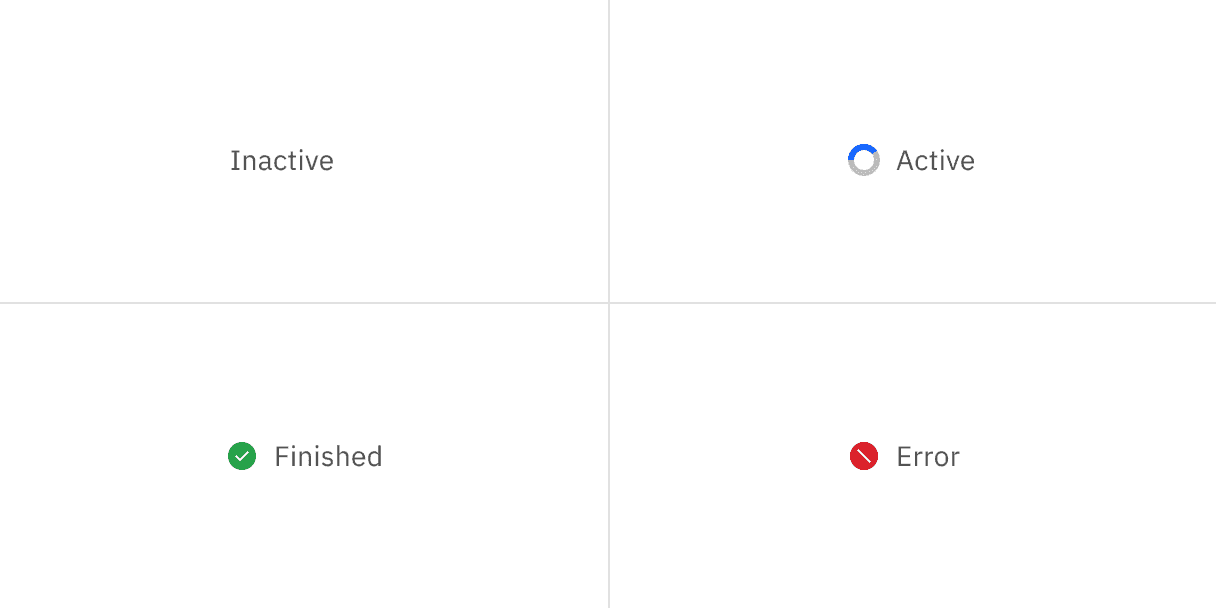
- Loading status: indicates the state of the loading sequence (active, inactive, finished, error).
- Label (optional): assistive text that explains the loading status.
Label (optional)
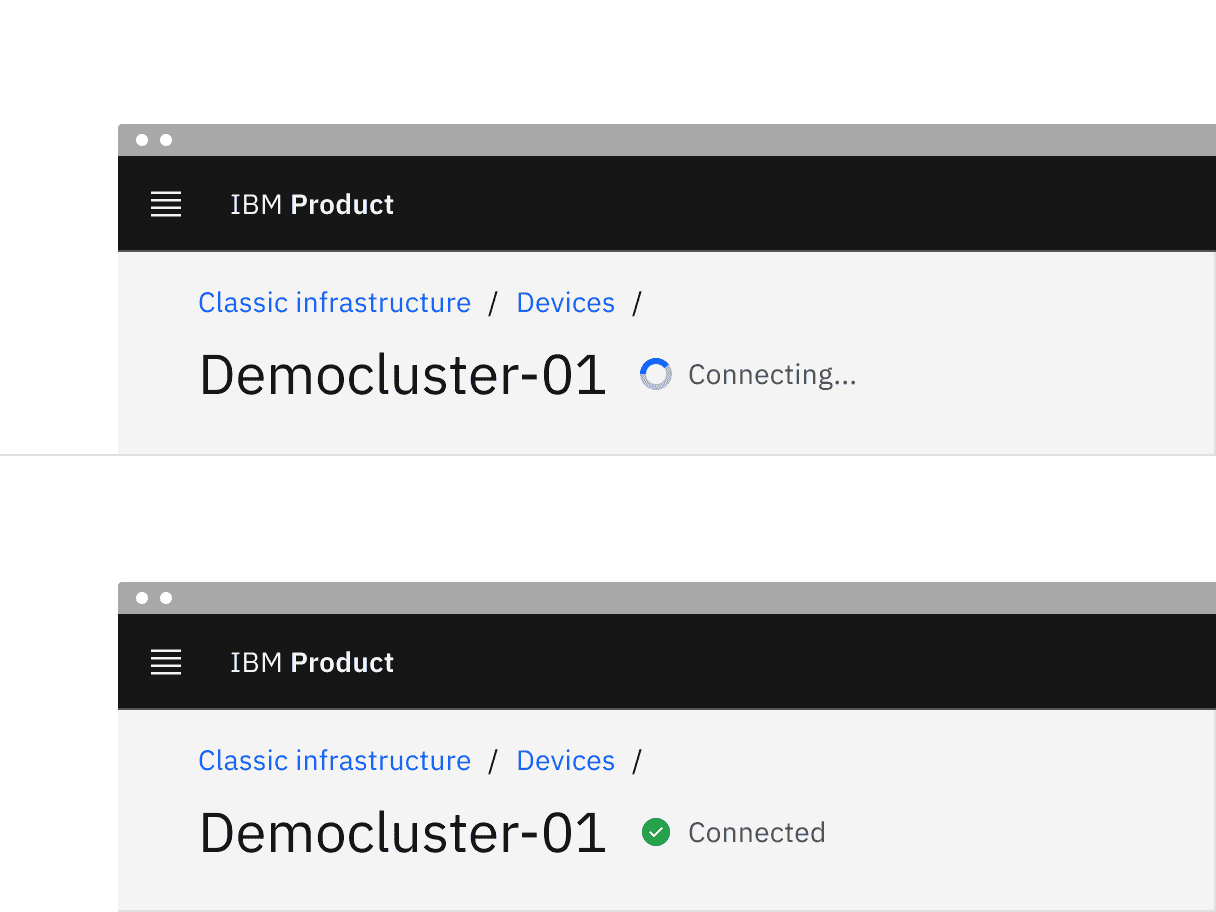
- Descriptive loading text for the action is optional, but encouraged. If you have limited room or find adding text to be unnecessary you can just run through the animations.
- The label should describe the state of the action being performed. For example, if the status is active while a form is being saved, then the label should say “Saving …”.
- Once the loading status changes to finished, the label should change. For example, when saving is finished, it would read “Saved”.
- If the loading status changes to error, then the label should change to tell the user that an error or failure has occurred.
Further guidance
For further content guidance, see Carbon’s content guidelines.
Finished
The finished loading state indicates that the action completed successfully. The success state is active for 1.5 seconds before calling an optional function onSuccess. Use the onSuccess function to refetch new data, close a modal, or reset a form. If no function is specified the success state will last indefinitely.
Interactions
Any interactive elements associated with the button should be disabled while it is loading. For example, when a user clicks a button on a modal to submit information, the button itself displays a loading state and is disabled until the action is complete. This ensures users cannot interact with the button again during the process.
Feedback
Help us improve by providing feedback, asking questions, requesting features, or leaving any other comments on GitHub.