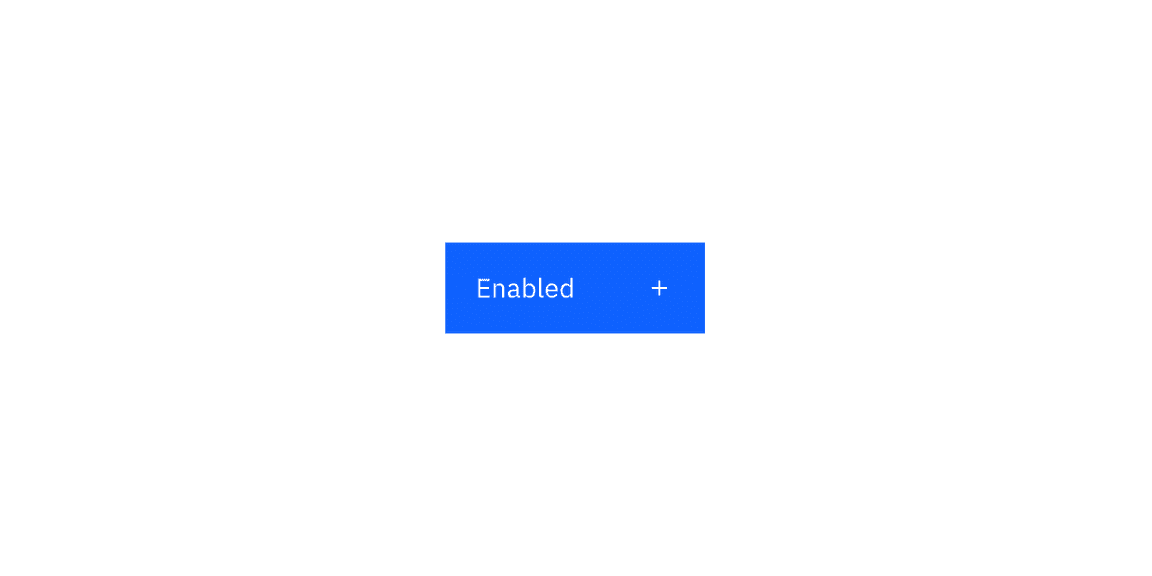
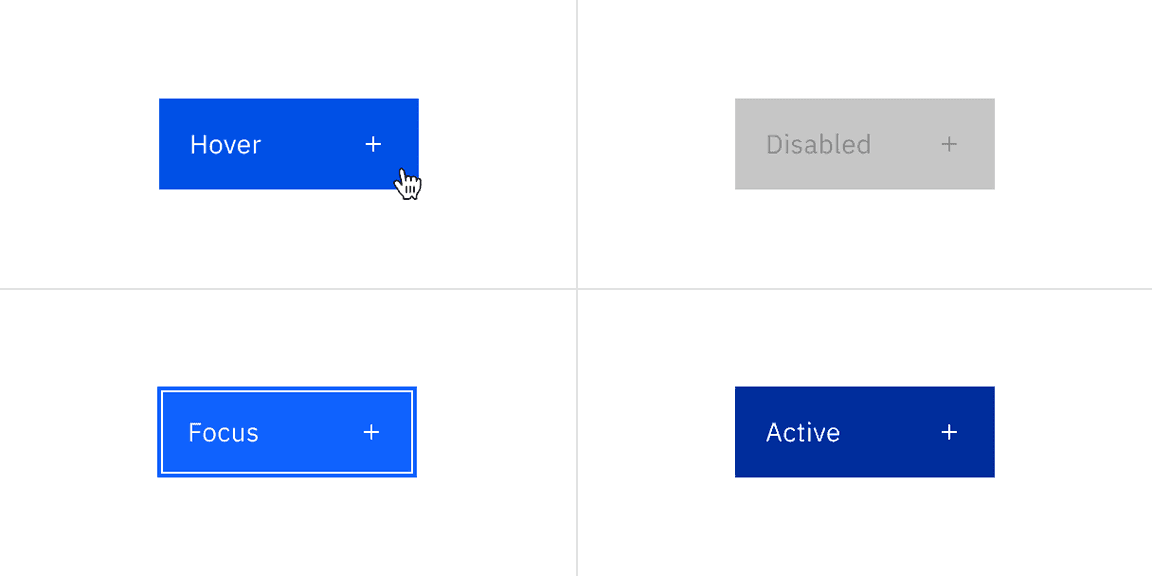
Primary button interactive state color
State | Element | Property | Color token |
|---|---|---|---|
Hover | Container | background-color |
|
Focus | Container | border |
|
inset |
| ||
Active | Container | background-color |
|
Disabled | Label | text-color |
|
Icon | svg |
| |
Container | background-color |
|
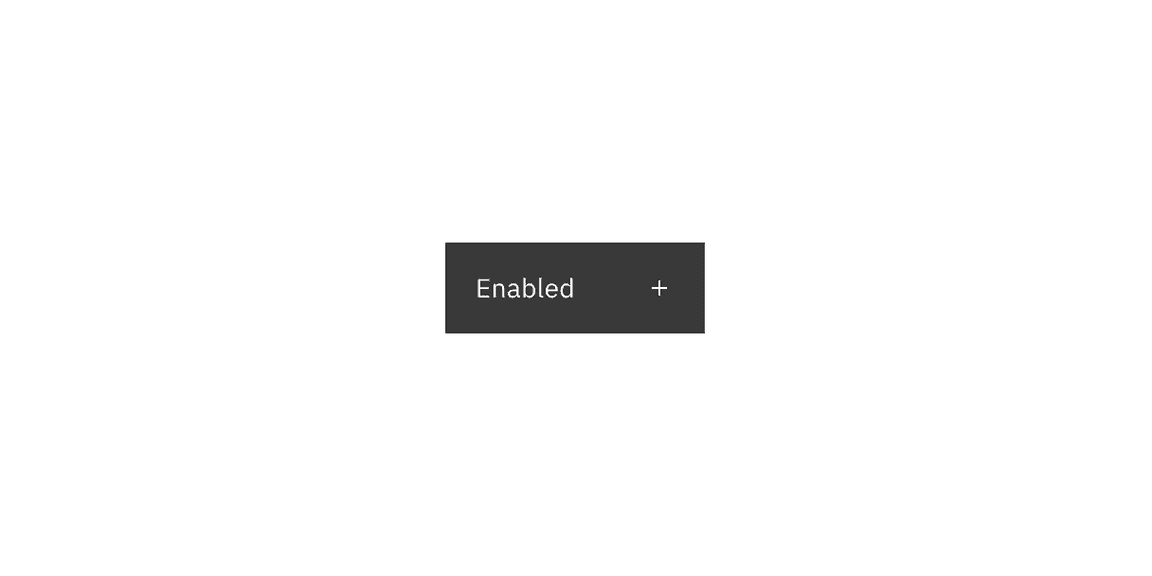
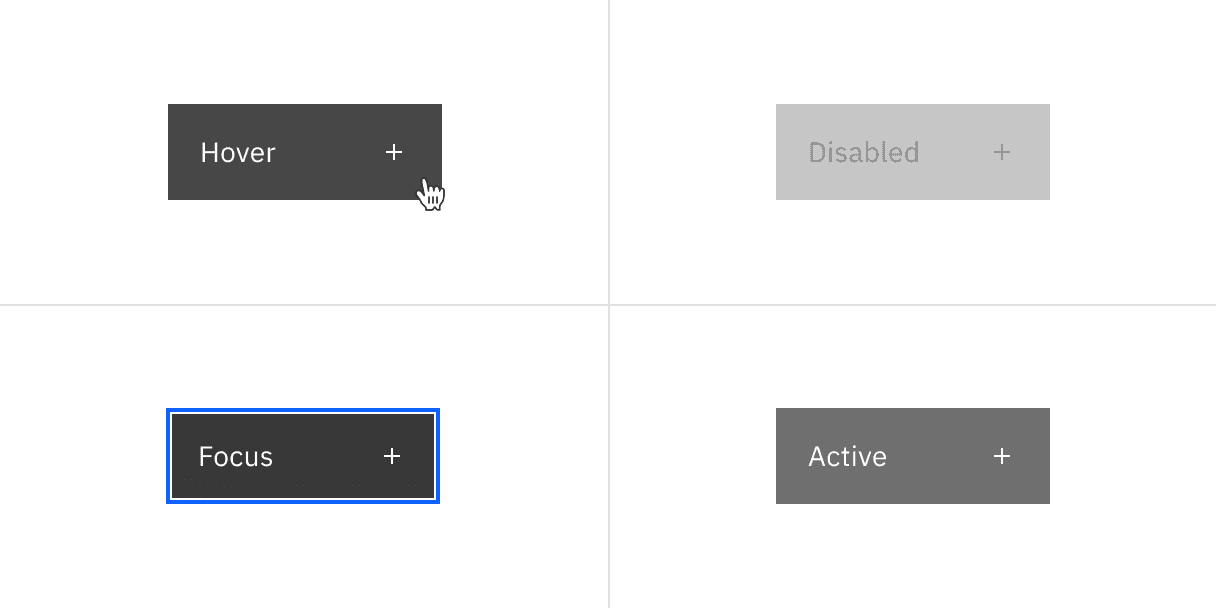
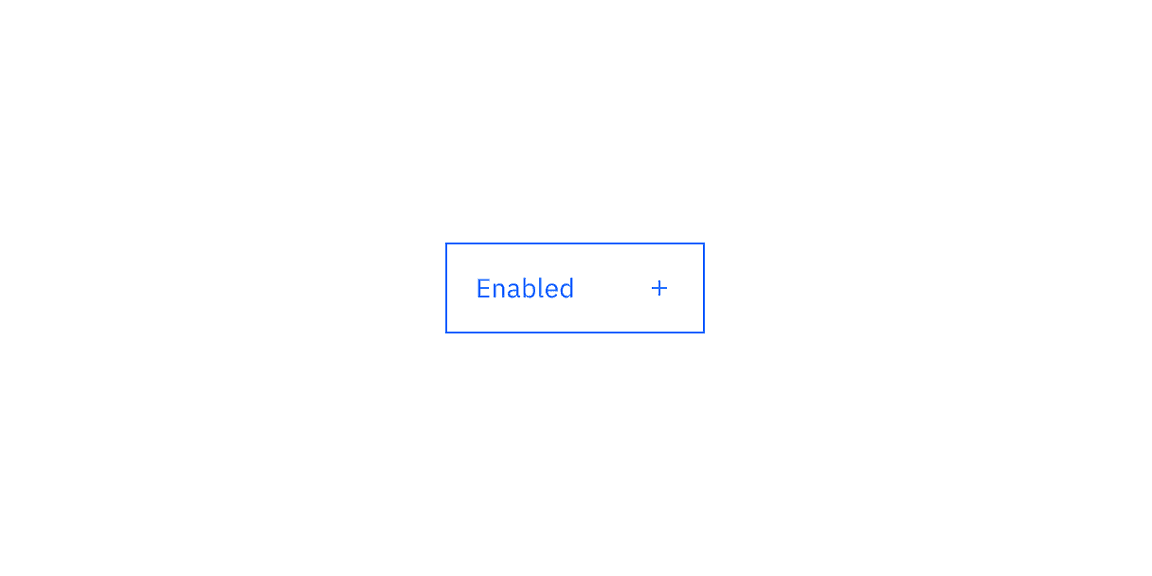
Secondary button interactive state color
State | Element | Property | Color token |
|---|---|---|---|
Hover | Container | background-color |
|
Focus | Container | border |
|
inset |
| ||
Active | Container | background-color |
|
Disabled | Label | text-color |
|
Icon | svg |
| |
Container | background-color |
|
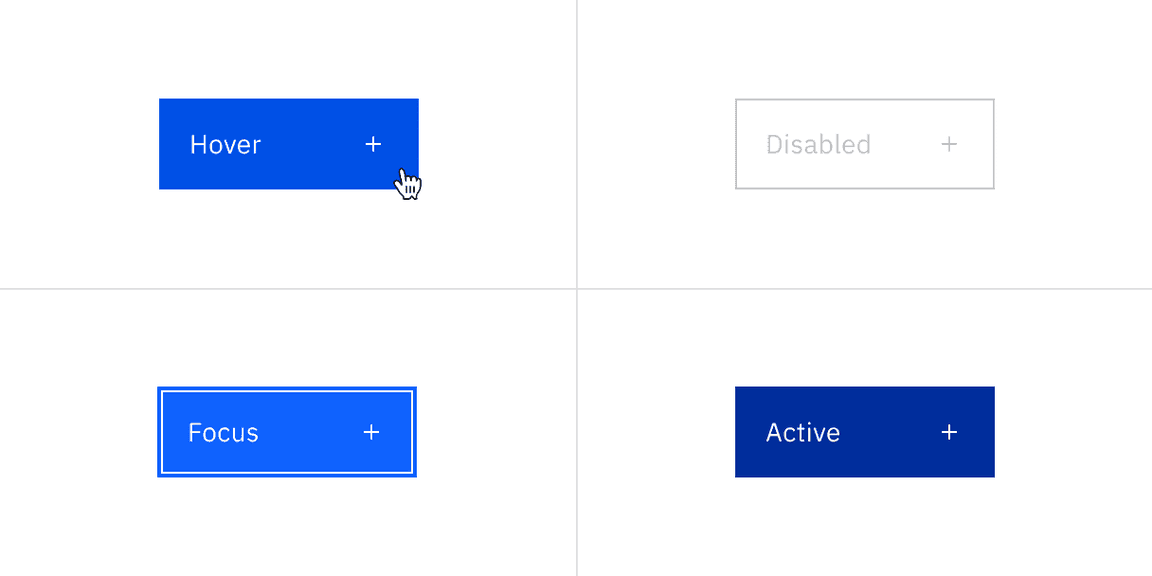
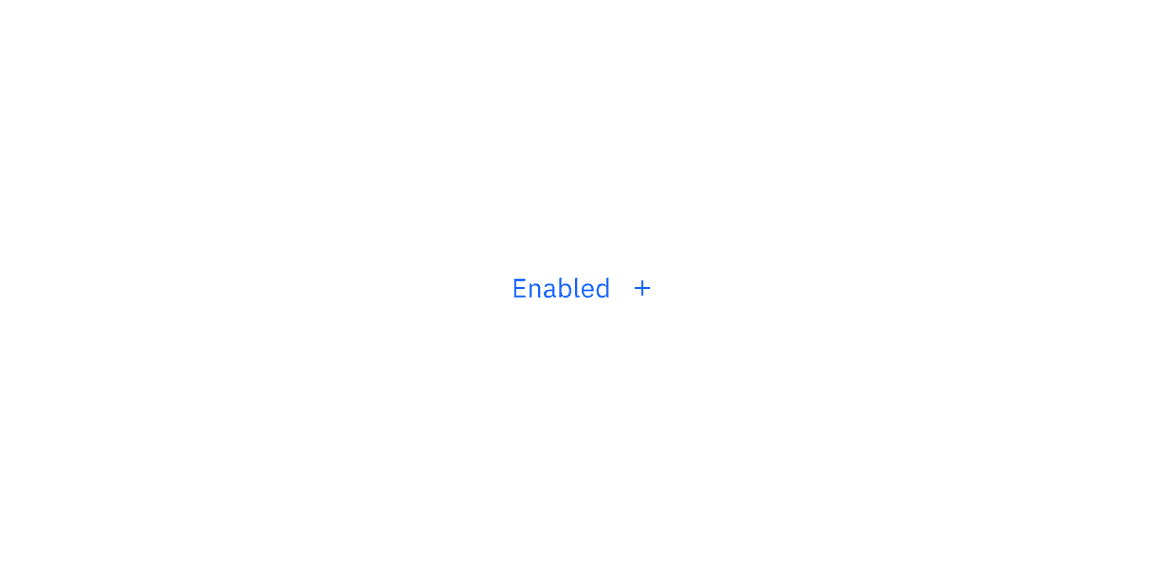
Tertiary button interactive state color
State | Element | Property | Color token |
|---|---|---|---|
Hover | Label | text-color |
|
Icon | svg |
| |
Container | background-color |
| |
Focus | Container | background-color |
|
border |
| ||
inset |
| ||
Active | Label | text-color |
|
Icon | svg |
| |
Container | background-color |
| |
Disabled | Label | text-color |
|
Icon | svg |
| |
Container | background-color | transparent | |
border |
|
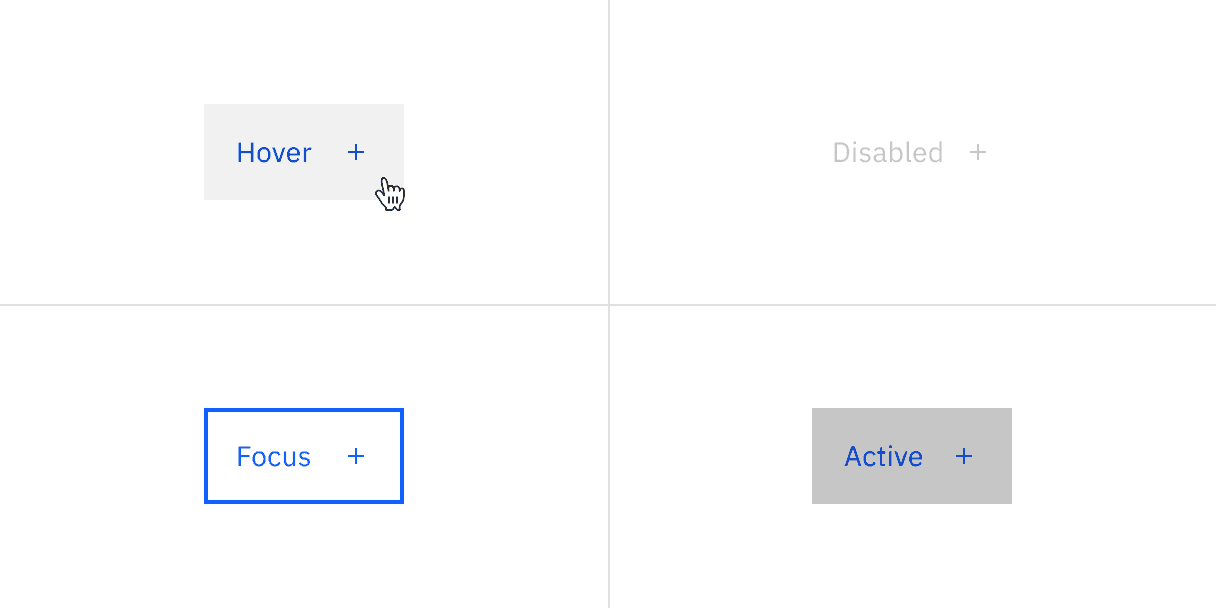
Ghost button interactive state color
State | Element | Property | Color token |
|---|---|---|---|
Hover | Label | text-color |
|
Icon | svg |
| |
Container | background-color |
| |
Focus | Container | background-color |
|
Active | Container | background-color |
|
Disabled | Label | text-color |
|
Icon | svg |
|
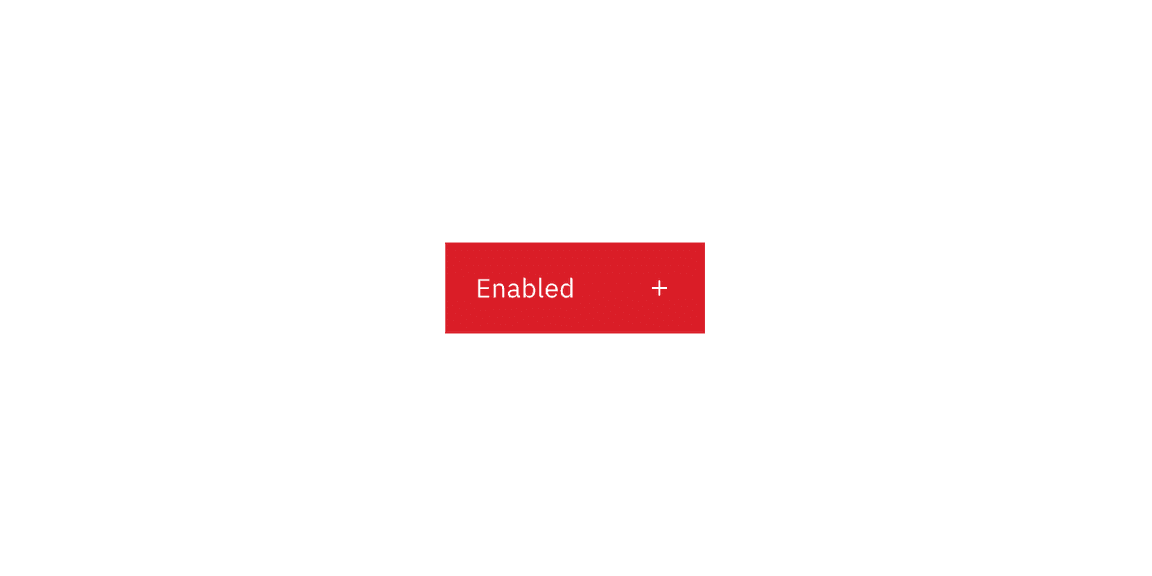
Danger primary button color
Danger primary button interactive state color
State | Element | Property | Color token |
|---|---|---|---|
Hover | Container | background-color |
|
Focus | Container | border |
|
inset |
| ||
Active | Container | background-color |
|
Disabled | Label | text-color |
|
Icon | svg |
| |
Container | background-color |
|
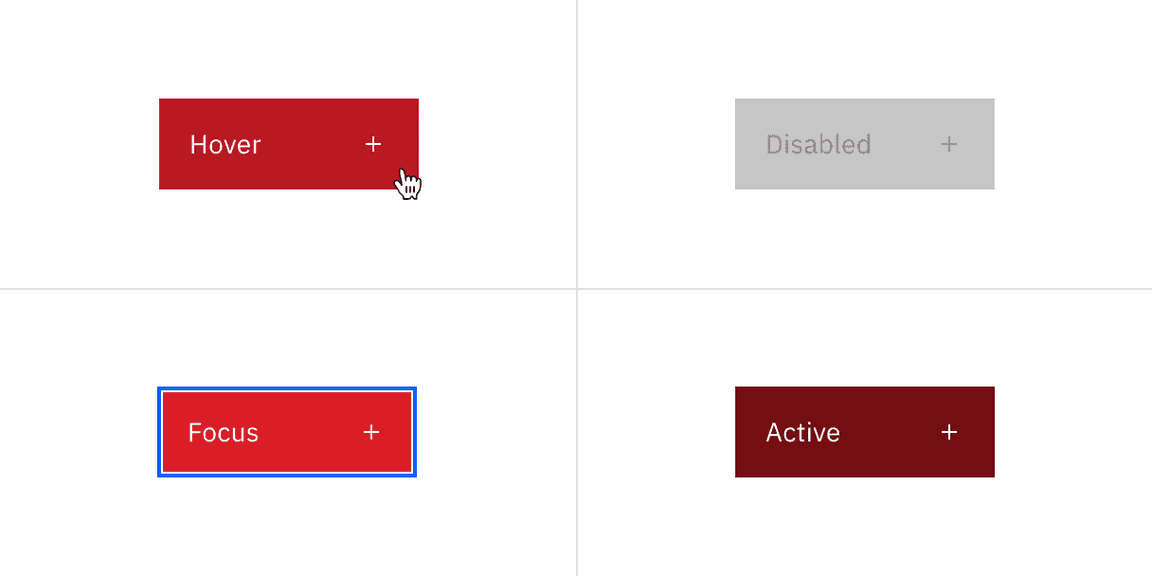
Danger primary button interactive state color
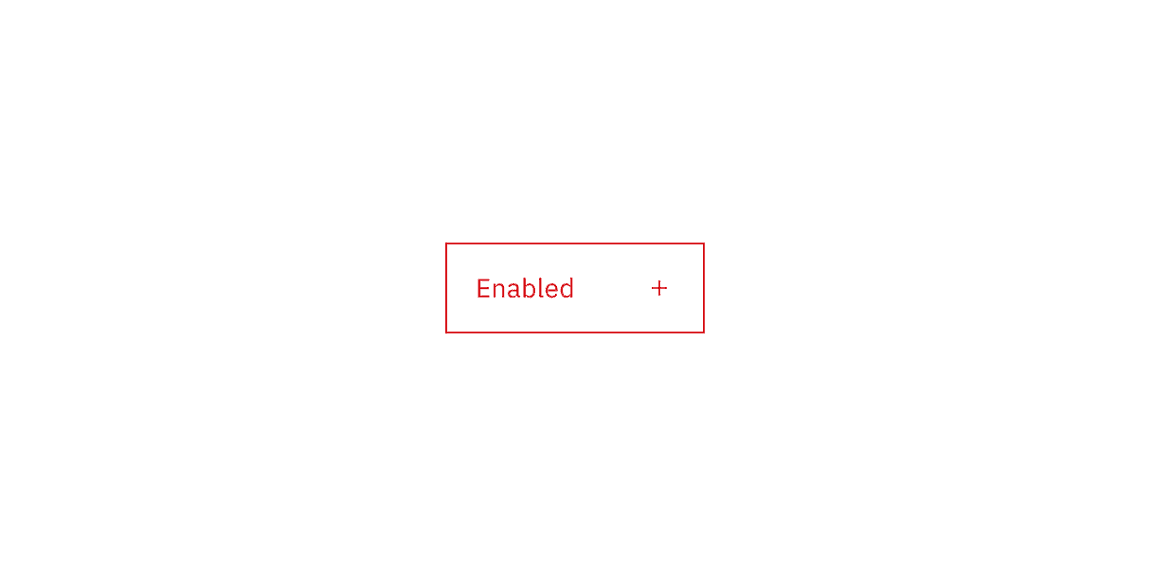
Danger tertiary button color
Danger tertiary button interactive state color
State | Element | Property | Color token |
|---|---|---|---|
Hover | Label | text-color |
|
Icon | svg |
| |
Container | background-color |
| |
Focus | border |
| |
inset |
| ||
Active | Label | text-color |
|
Icon | svg |
| |
Container | background-color |
| |
Disabled | Label | text-color |
|
Icon | svg |
| |
Container | background-color |
|
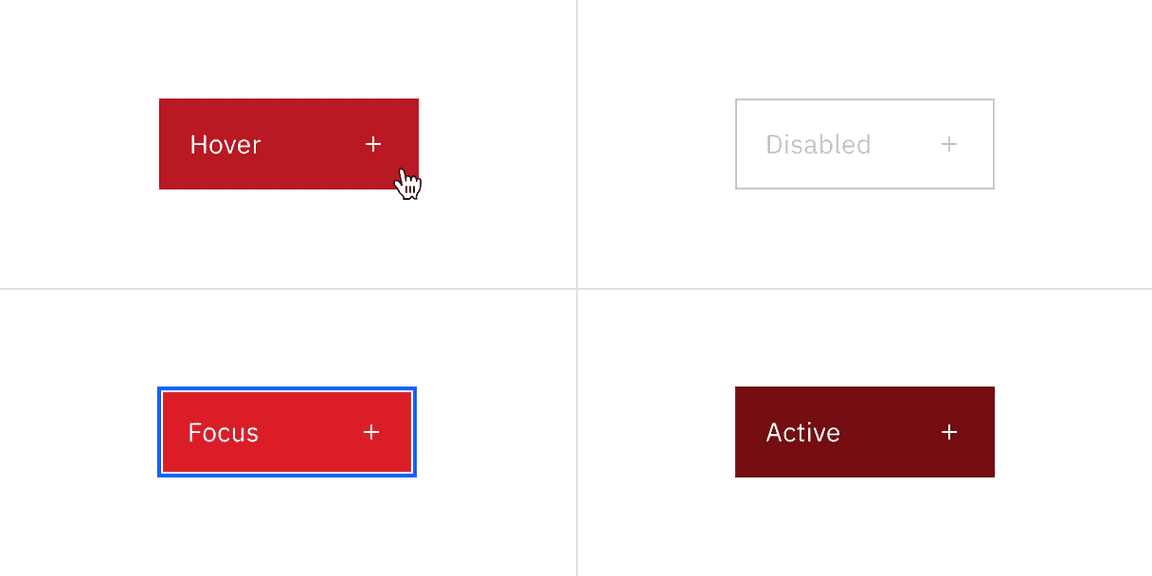
Danger tertiary button interactive state color
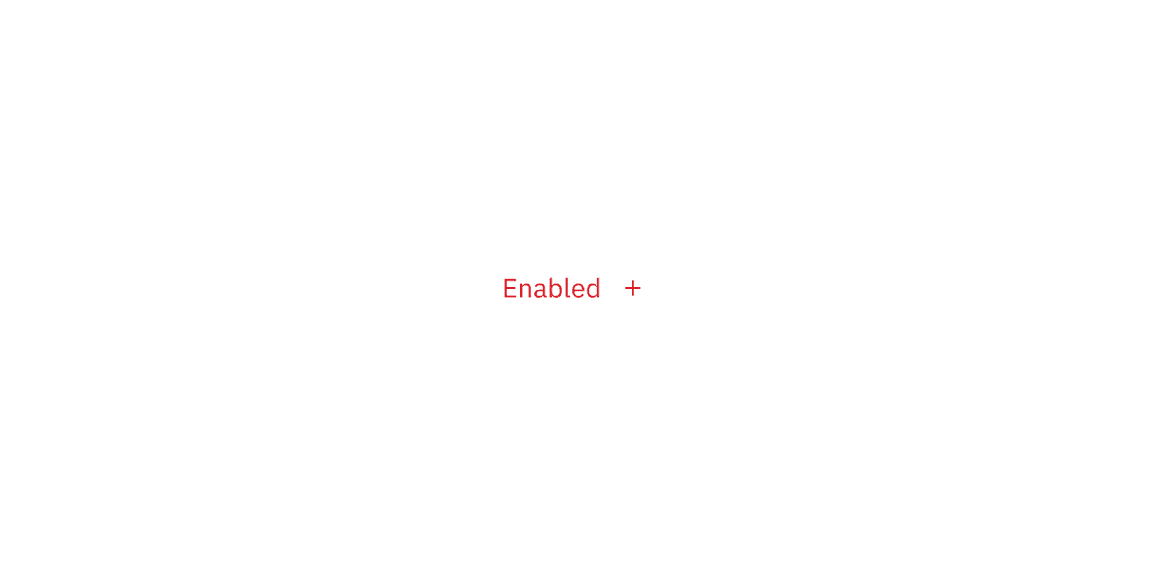
Danger ghost button color
Danger ghost button interactive state color
State | Element | Property | Color token |
|---|---|---|---|
Hover | Label | text-color |
|
Icon | svg |
| |
Container | background-color |
| |
Focus | border |
| |
inset |
| ||
Active | Label | text-color |
|
Icon | svg |
| |
Container | background-color |
| |
Disabled | Label | text-color |
|
Icon | svg |
| |
Container | background-color |
|
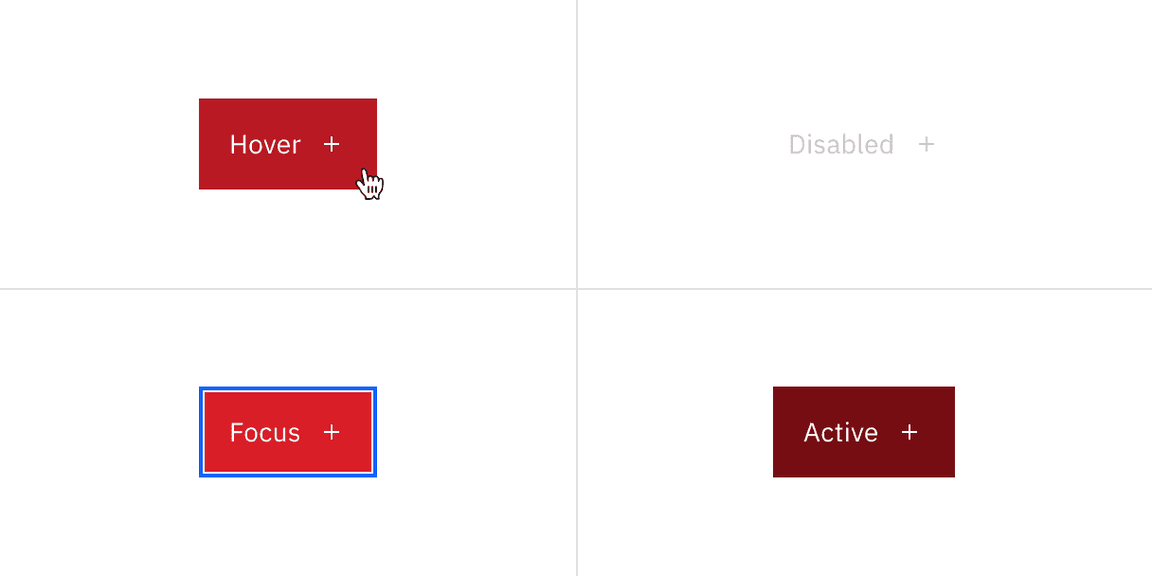
Danger ghost button interactive state color
Structure
Primary, secondary, tertiary, danger primary and danger tertiary button follows the same structure measurements. A button cannot have label or any element within 16 pixels / 1 rem of its borders. For a button with an icon, the space between the button label and the icon must be greater than or equal to 16 pixels / 1 rem. This is to accommodate for instances where two or more buttons with icons appear together.
Button structure
Element | Property | px / rem | Spacing token |
|---|---|---|---|
Button without icon | padding-left | 16 / 1 |
|
padding-right | 64 / 4 |
| |
Button with icon | padding-left, padding-right | 16 / 1 |
|
spacing | 32 / 2 |
| |
Icon only button | padding-left, padding-right | 16 / 1 |
|
Icon | svg | 16 x 16 | – |
Icon: expressive | size | 20 x 20 | – |
Focus | box-shadow: inset | 1px | – |
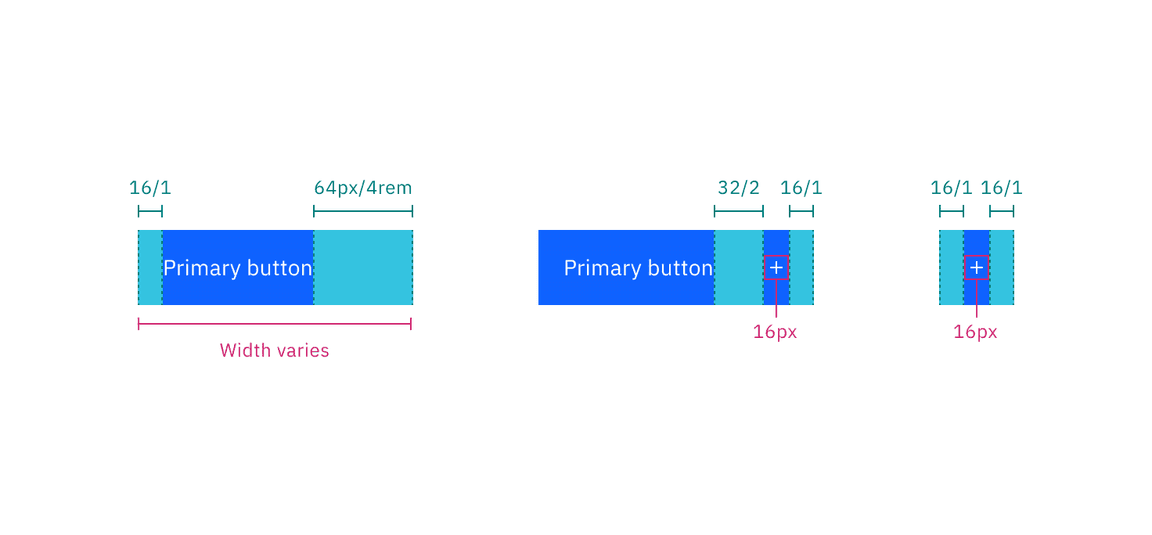
Structure measurements for a button | px / rem
Ghost button structure
Ghost and danger ghost button follow the same structure measurements.
Element | Property | px / rem | Spacing token |
|---|---|---|---|
Ghost button without icon | padding-left, padding-right | 16 / 1 |
|
Ghost button with icon | spacing | 8 / 0.5 |
|
Ghost icon only button | padding-left, padding-right | 16 / 1 |
|
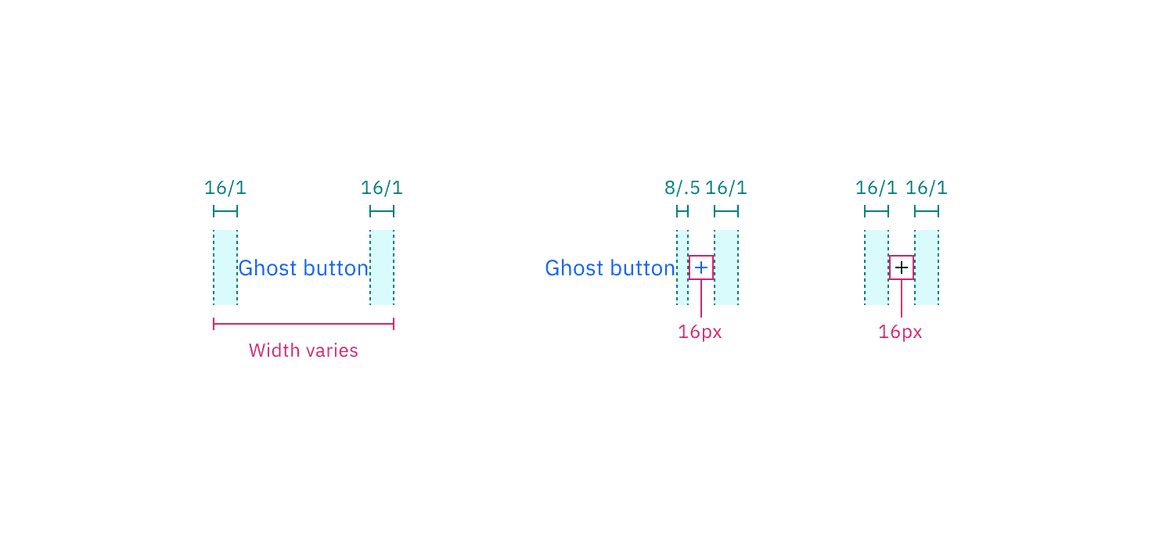
Structure measurements for ghost button | px / rem
Button groups structure
The following specs are not built into any of the button components but are recommended by design as the proper distance between buttons.
For button groups, the primary button is positioned on the outside of the set, while the secondary button is positioned inside.
Element | Property | px / rem | Spacing token |
|---|---|---|---|
Button groups | border (fluid) | 1px | – |
spacing (fixed) | 16px |
| |
margin-left, margin-right | 0 | – |
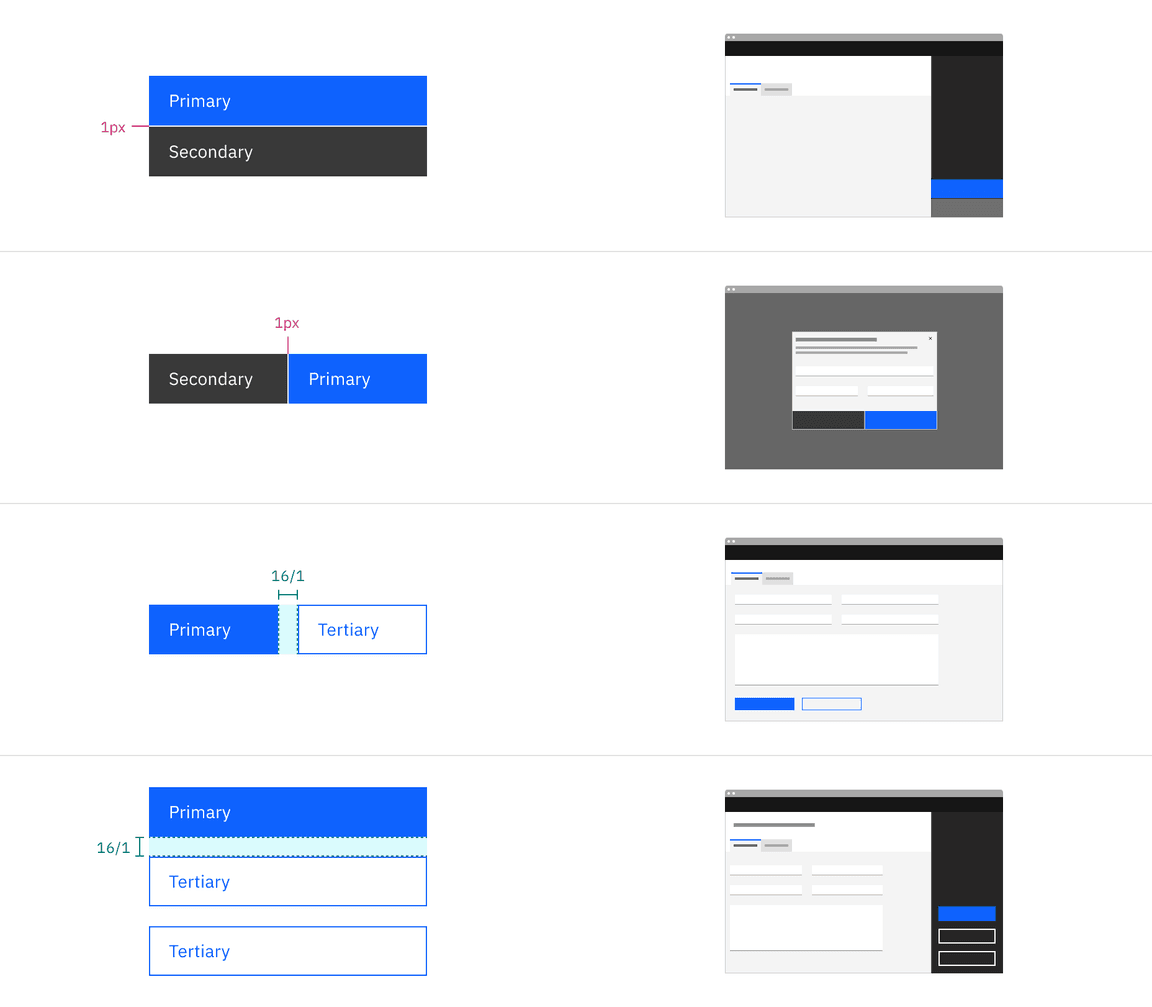
Structure measurements for button groups | px / rem
Size
There are seven button sizes: extra small, small, medium, large (productive), large (expressive), extra large, and 2XL. The large (expressive) button is used in editorial and digital marketing experiences. See Button sizes on the Guidelines tab for more information about specific use cases for each button size.
We do not recommend mixing different button sizes in #button-groups.
Variant | Size | Height (px / rem) |
|---|---|---|
Button | Extra small | 24 / 1.5 |
Small | 32 / 2 | |
Medium | 40 / 2.5 | |
Large (productive) | 48 / 3 | |
Large (expressive) | 48 / 3 | |
Full bleed button | Extra large | 64 / 4 |
2XL | 80 / 5 |
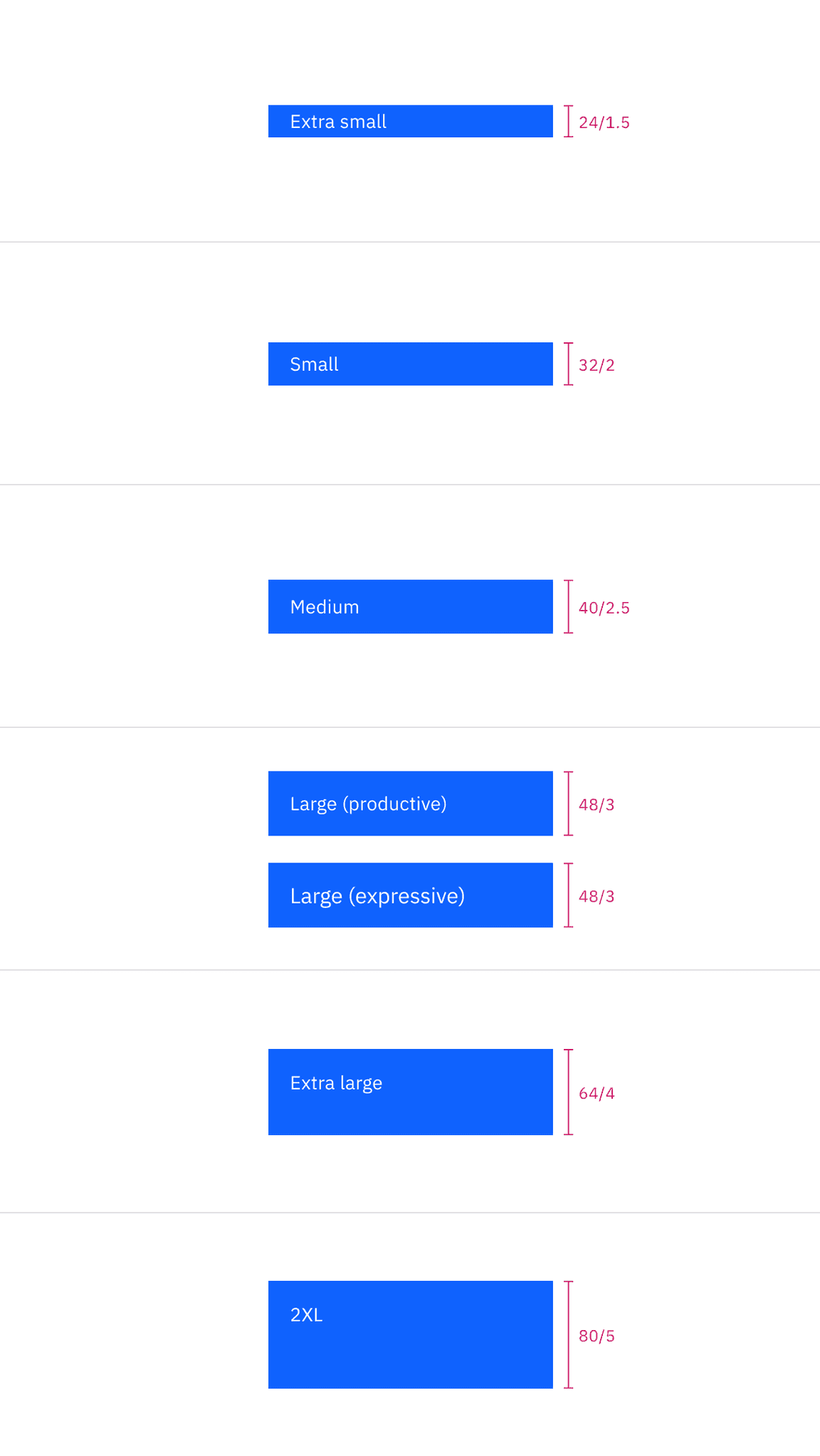
Button sizes
Feedback
Help us improve by providing feedback, asking questions, requesting features, or leaving any other comments on GitHub.